Solutions / Tympanometers / Wideband Tympanometry Research License
Wideband Tympanometry Research License

Wideband Tympanometry Research License

Learn how to use the Titan's wideband tympanometry (WBT) research license.
Get a quote Find a distributor
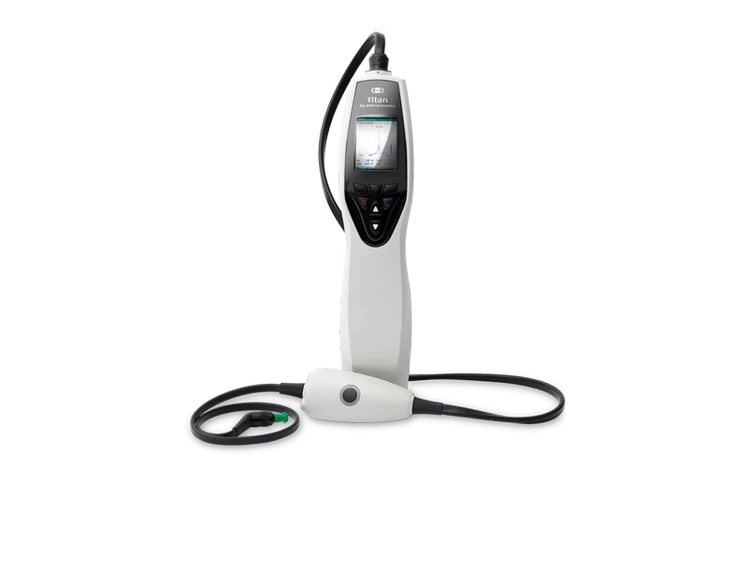
This is a photo of the Titan IMP by Interacoustics

Titan Support

This guide is valid from Titan 3.5.
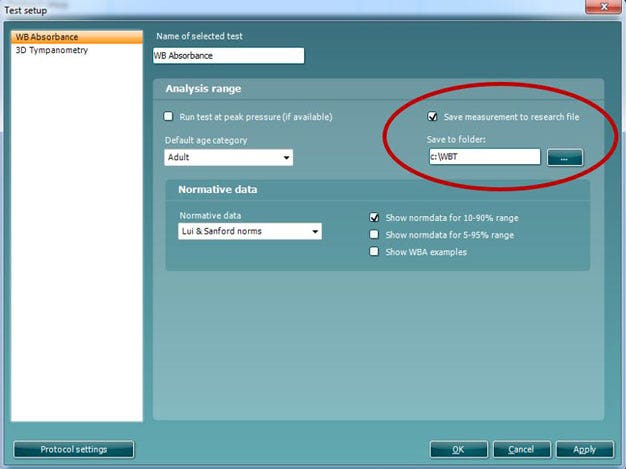
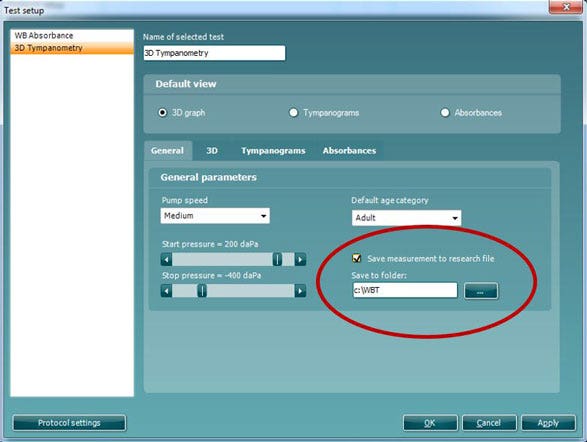
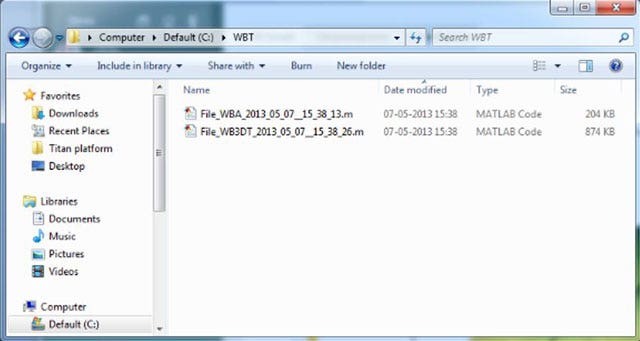
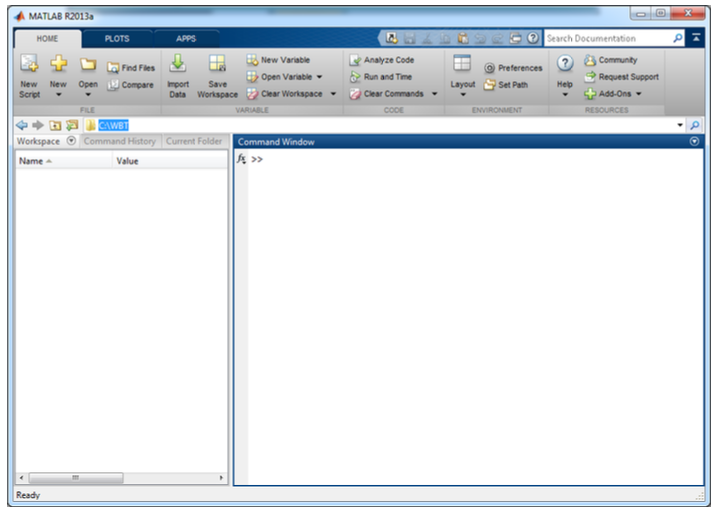
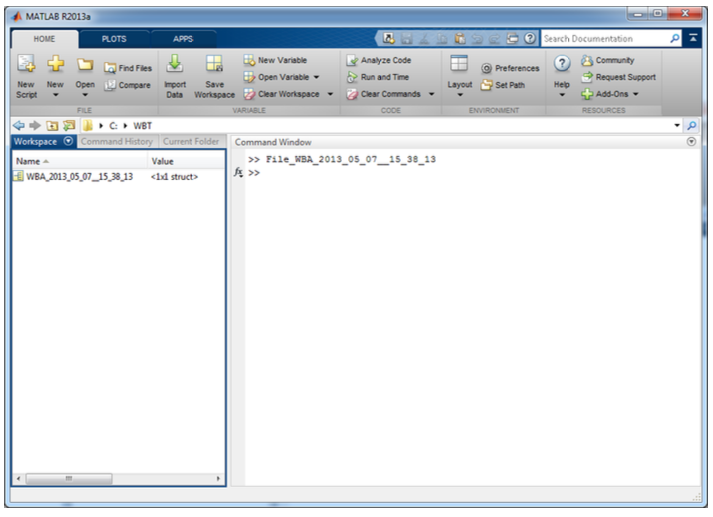
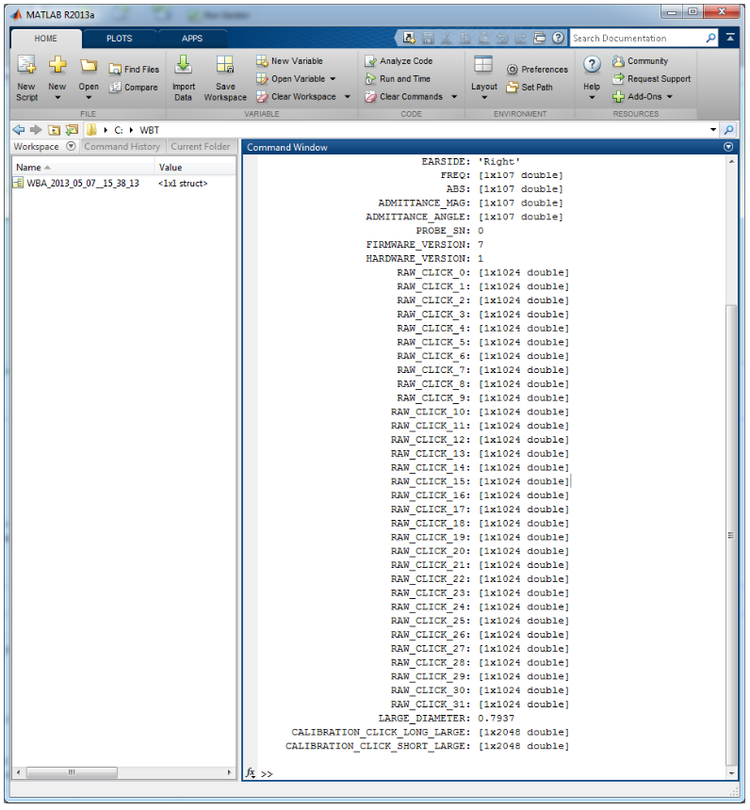
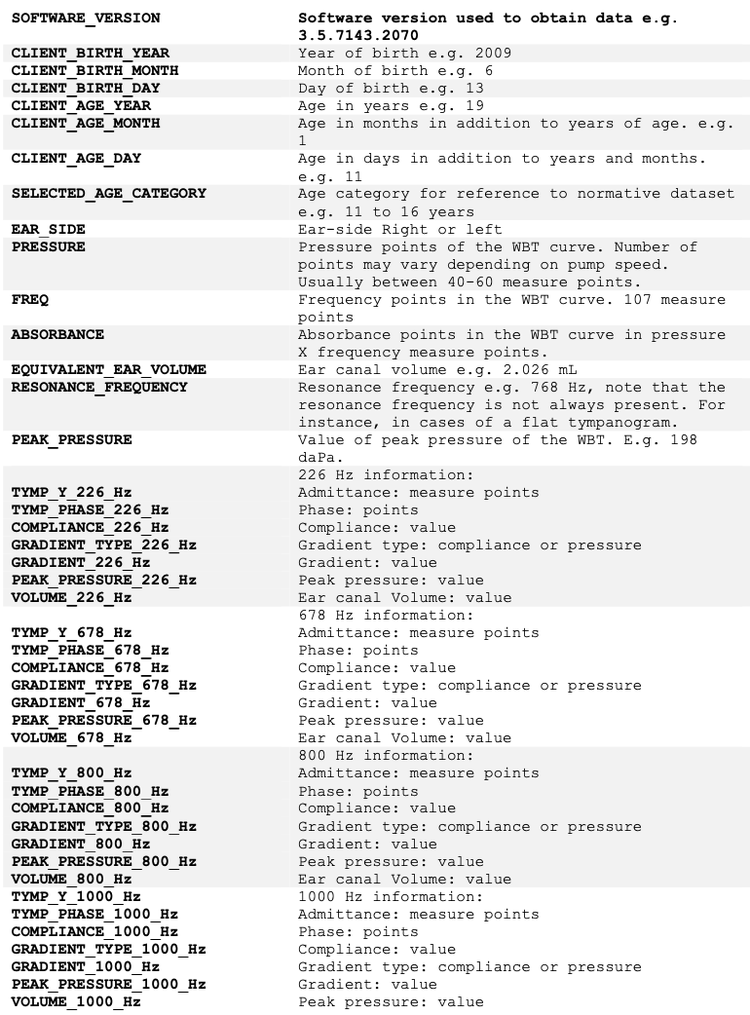
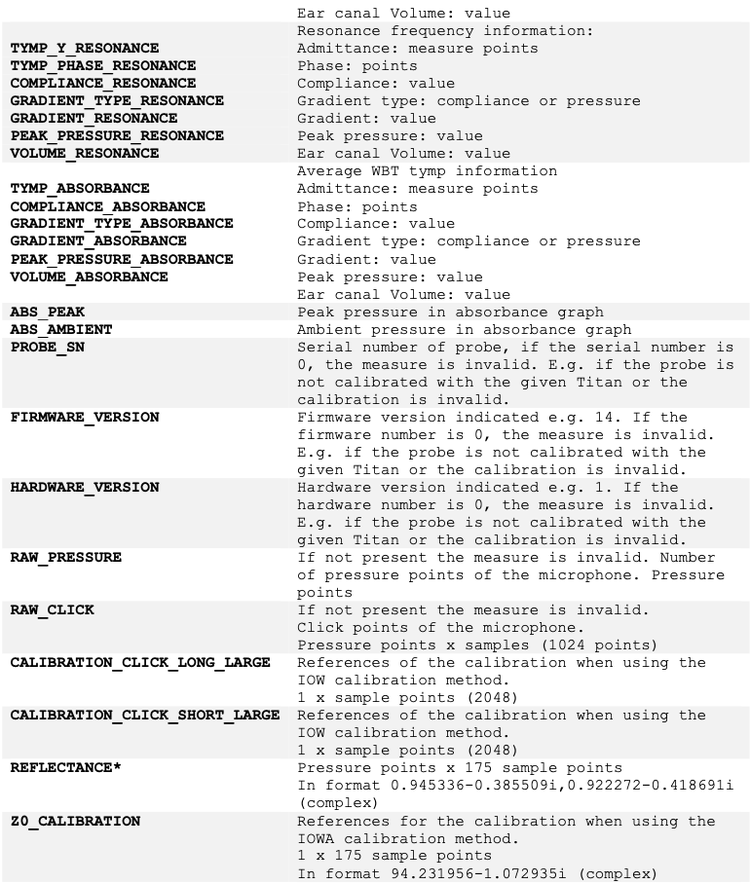
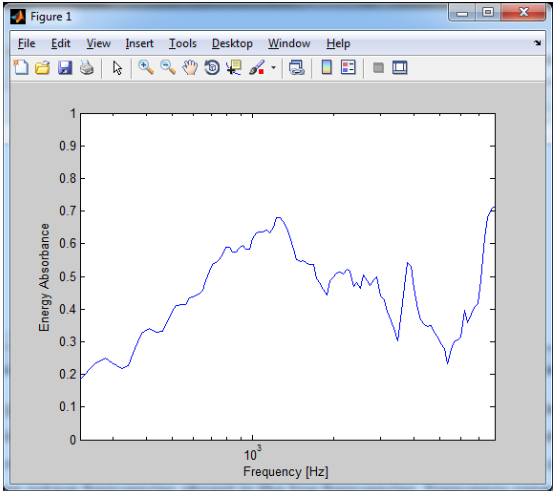
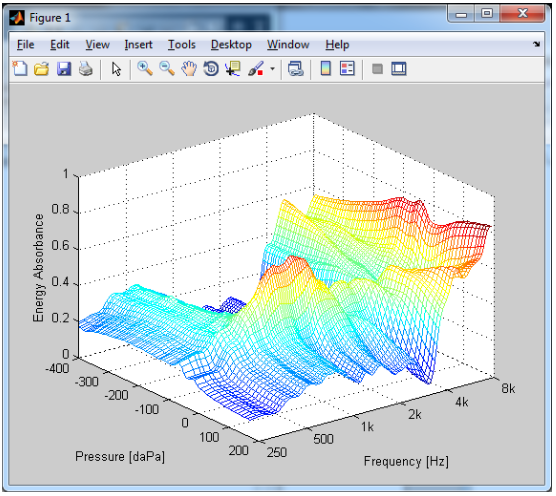
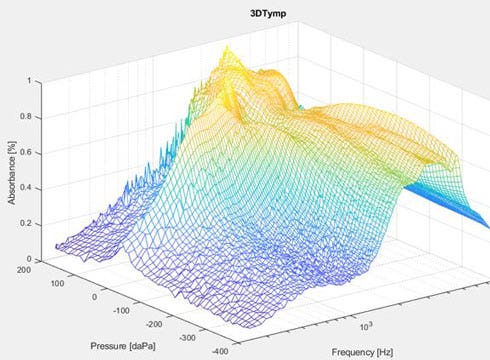
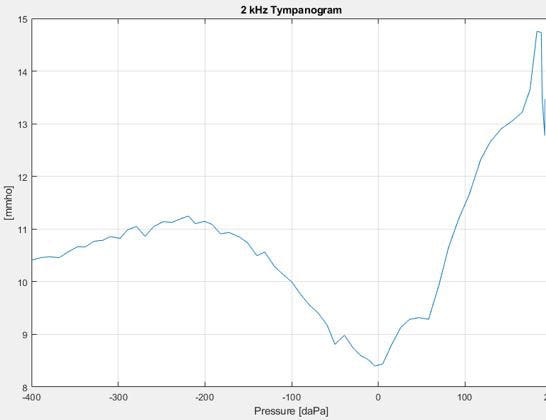
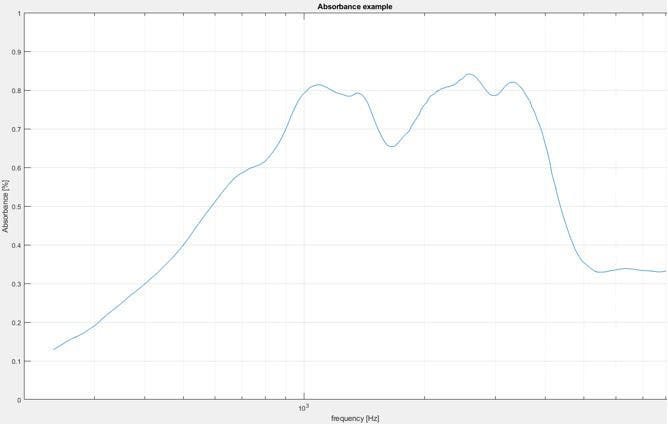
The Titan IMP440 WBT software comes with a possibility to export data to Matlab from the Wideband tympanometry tests. Here only the WB Absorbance and the 3D Tympanometry tests allows for data export. The following document describes how to setup the software for export and how to access the data in Matlab.
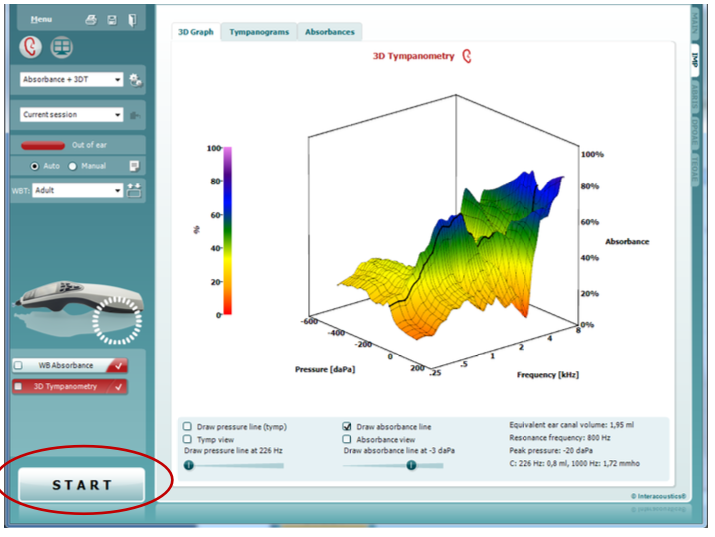
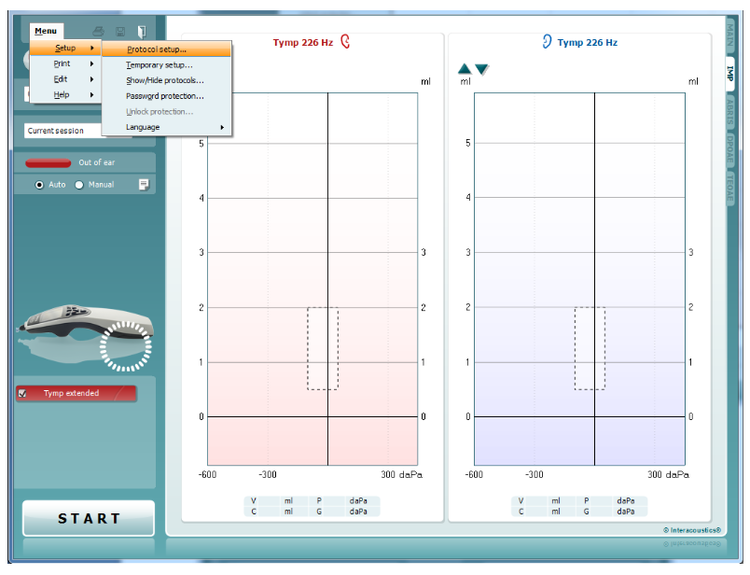
Start the Titan Suite and select the IMP tab in the right side of the screen.
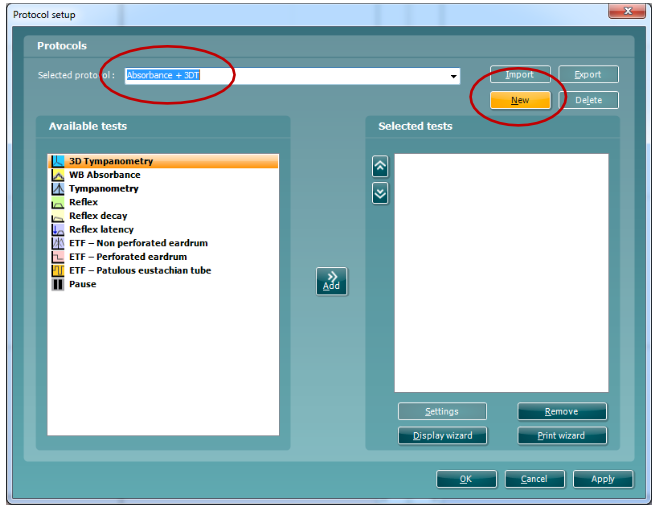
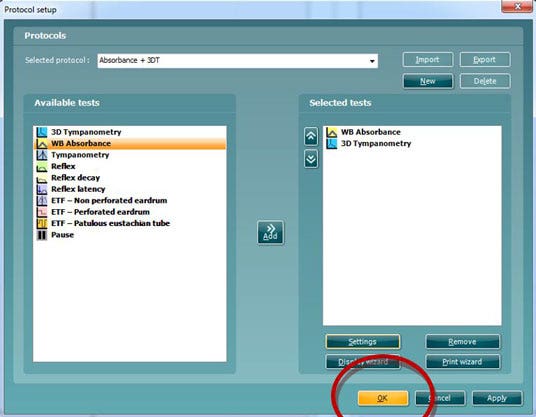
To setup a protocol go to Menu – Setup – Protocol setup.
Setup a new test – press New and type in the name of the test.
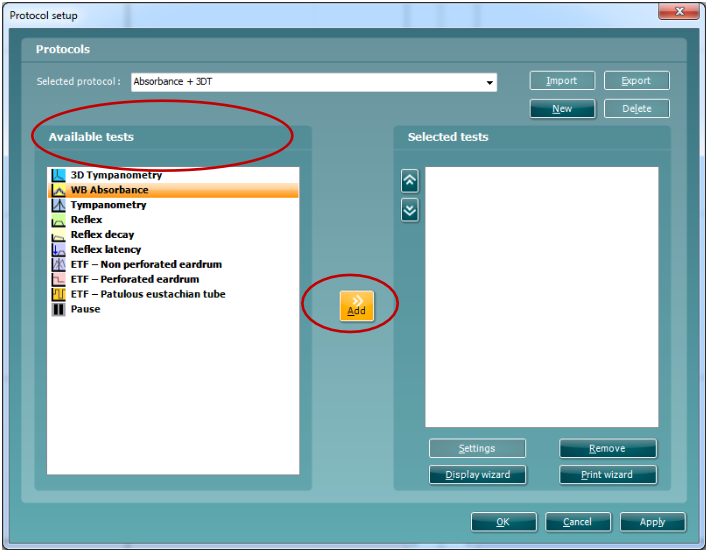
Add the test to the protocol pressing Add.
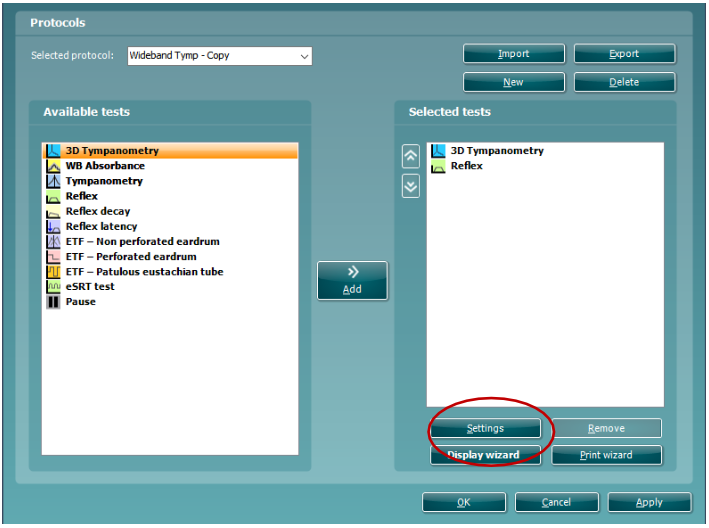
Note that while obtaining data with multiple protocols e.g. WBT, reflexes and ETF, it is only the wideband tympanometry or absorbance data that gets exported in the research file.
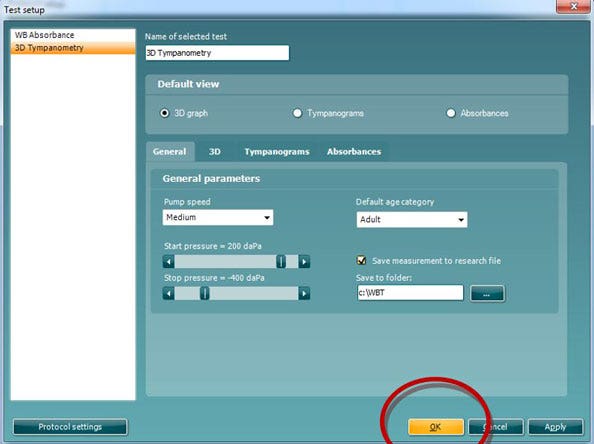
Press Settings to change settings.

Contact your local distributor

Our world-wide experts are ready to help you find the right solution.
Find a distributor