Solutions / Tympanometers / Pressurized DPOAE
Pressurized DPOAE
Pressurized DPOAE
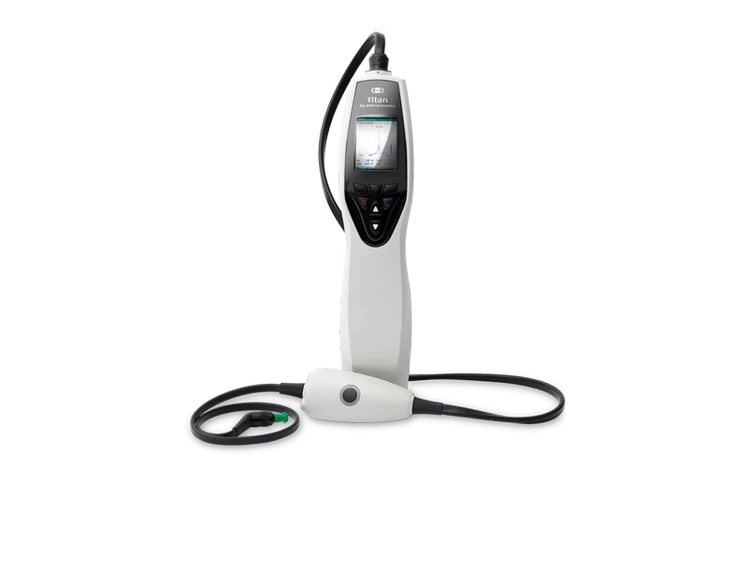
Learn how to perform pressurized distortion product otoacoustic emission (DPOAE) testing with the handheld Titan tympanometer.
Titan Support
Turn on Titan by pressing the R or L button.
Turn on Titan by pressing the R or L button.
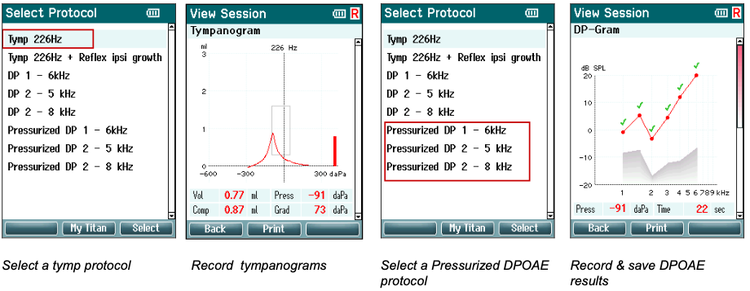
Select a tympanometry protocol (e.g., Tymp 226Hz) and record tympanometry measurements on the left and right ear.
Select a tympanometry protocol (e.g., Tymp 226Hz) and record tympanometry measurements on the left and right ear.
Save the tympanometry measurements to the handheld unit. Note: Tympanometry results do not need to be saved for the handheld unit to use the last recorded MEP data for pressurized OAE testing.
Save the tympanometry measurements to the handheld unit. Note: Tympanometry results do not need to be saved for the handheld unit to use the last recorded MEP data for pressurized OAE testing.
Select a pressurized DPOAE protocol.
Select a pressurized DPOAE protocol.
Contact your local distributor
Our world-wide experts are ready to help you find the right solution.