Solutions / Tympanometers / Creating a DPOAE Pass/Refer Test Protocol
Creating a DPOAE Pass/Refer Test Protocol
Creating a DPOAE Pass/Refer Test Protocol
Learn how to create a DPOAE pass/refer test protocol with the Titan.
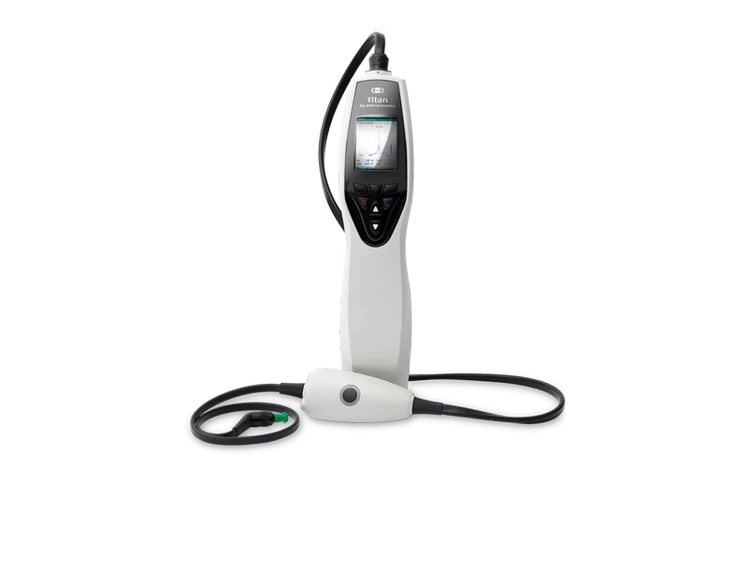
Titan Support
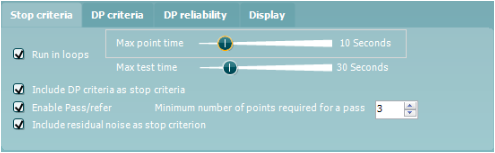
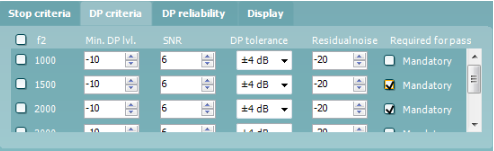
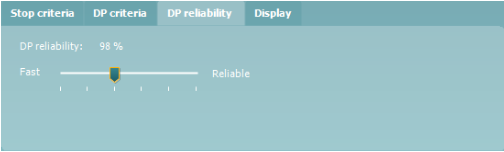
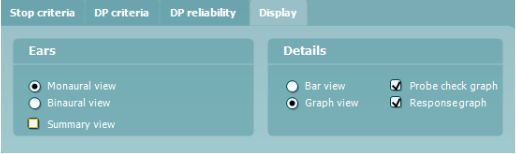
This quick guide outlines the procedure for creating a pass/refer DPOAE test protocol. Parameters and settings should be based on an appropriate pass/refer criterion.
Open the Titan Suite software and click on the DPOAE tab.
Go to Menu | Setup | Protocol setup.
In the Protocol setup screen, click on New and type in the desired protocol name in the Selected protocol box.
From the Available tests box, double click on DP-Gram. DP-Gram (Unconfigured) will now appear in the Selected tests box.
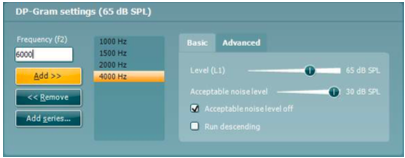
Click on the Settings button below the Selected tests box.
In the Frequency (f2) box, type in each of the required frequencies for testing. Press Add after each frequency. Alternatively, use the Add series option
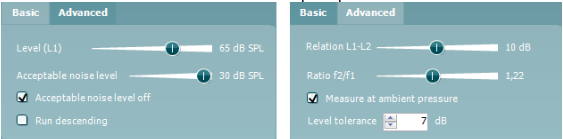
The Basic and Advanced tabs offer options to change the L1-L2 levels, set the Acceptable noise level (level above which OAE recording will be rejected due to noise), the f2/f1 ratio and the level tolerance. Choose to measure at ambient or peak pressure.
Contact your local distributor
Our world-wide experts are ready to help you find the right solution.