Solutions / Tympanometers / Creating an ABRIS Test Protocol
Creating an ABRIS Test Protocol
Creating an ABRIS Test Protocol
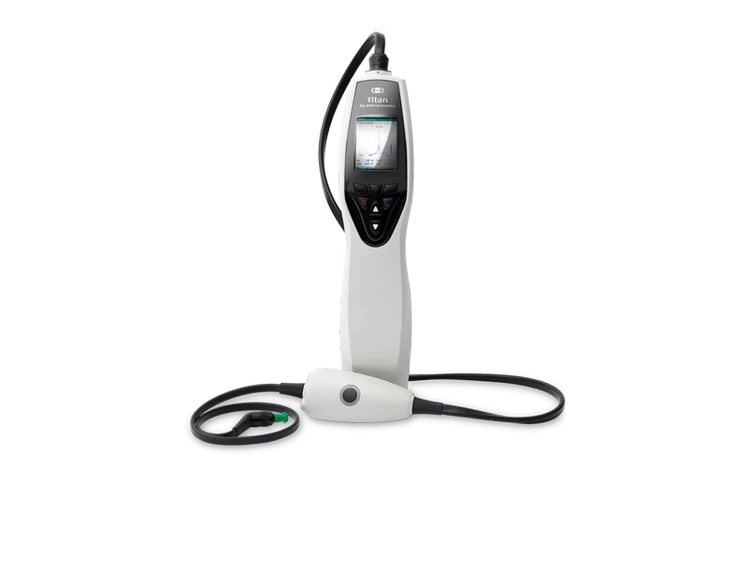
Learn how to use the Titan's automated ABR protocol.
Titan Support
This quick guide outlines the procedure for creating a pass/refer ABRIS test protocol. Parameters and settings should be based on an appropriate pass/refer criterion.
Open the Titan Suite software and click on the ABRIS tab.
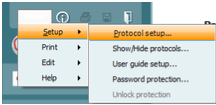
Go to Menu | Setup | Protocol setup.
Click on “New” and type the desired protocol name in the “Selected protocol” box.
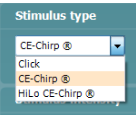
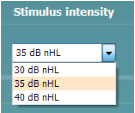
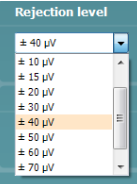
Select the desired stimulus type, stimulus intensity and rejection level from the dropdown menus.
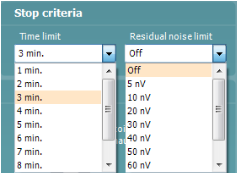
Set the desired test stop criteria (test time and residual noise limit).
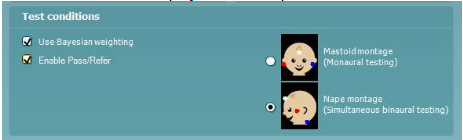
Select the desired test conditions (electrode montage for us, turn Bayesian weighting on or off and Enable Pass/Refer to display result labels).
Select the desired display options for the test results and EEG.

Contact your local distributor
Our world-wide experts are ready to help you find the right solution.