Solutions / Rehabilitation Equipment / How to update software modules
How to update software modules

How to update software modules

This quick guide provides information on how to update the software modules in the Virtualis PhysioVR system.
Get a quote Find a distributor

How to update software modules

Below, we will cover the following:

To perform these updates, you will need:
Access to an internet connection
A current software maintenance contract
If you do not have access to the internet or a current software maintenance contract, please contact your local sales representative to assist you.
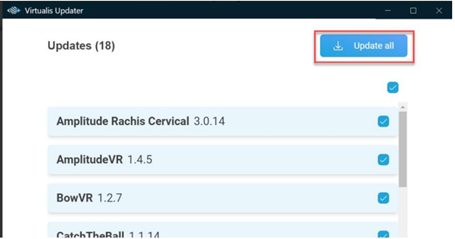
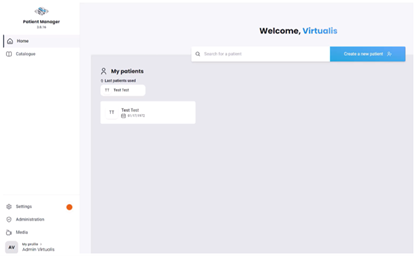
When updates are available, you will see the following prompts:
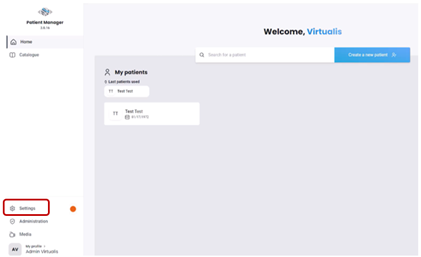
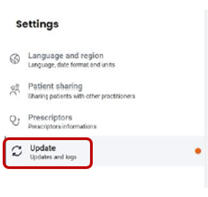
An orange dot appears next to the settings tab on the left side of the screen.
A banner appears at the bottom of the software module you are using that requires an update.

Contact your local distributor

Our world-wide experts are ready to help you find the right solution.
Find a distributor