Equipment needed
This quick guide provides information on how to perform the Cervical Range of Motion (ROM) assessment on the Virtualis BalanceVR and PhysioVR solutions. For additional information, please refer to the Cervical Range of Motion user manual.
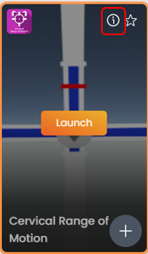
To view equipment needed, click on the “i” icon in the upper right corner of the module.
To perform Cervical ROM, you will need the VR headset and one hand controller.
To reduce compensatory motions beyond the cervical spine, the patient should be seated in a chair with a counter-hold applied to the shoulders by the tester.
1. Open a patient profile.
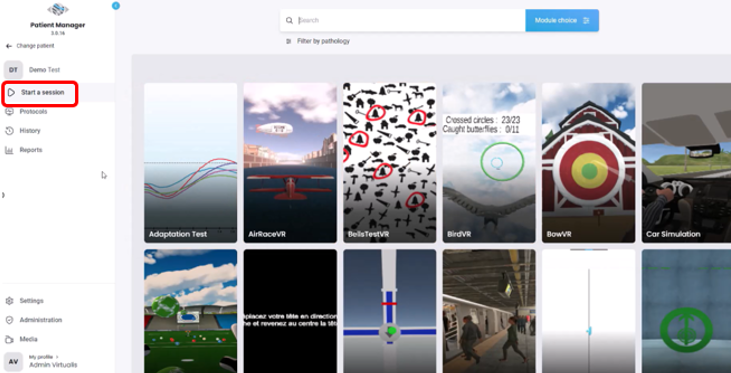
2. Click on “Start a session” to access the module list.
3. Type “Cervical Range of Motion” in the search bar. The first three letters are often enough.
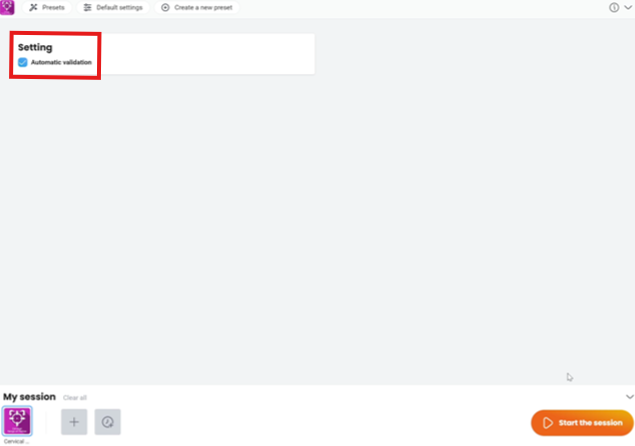
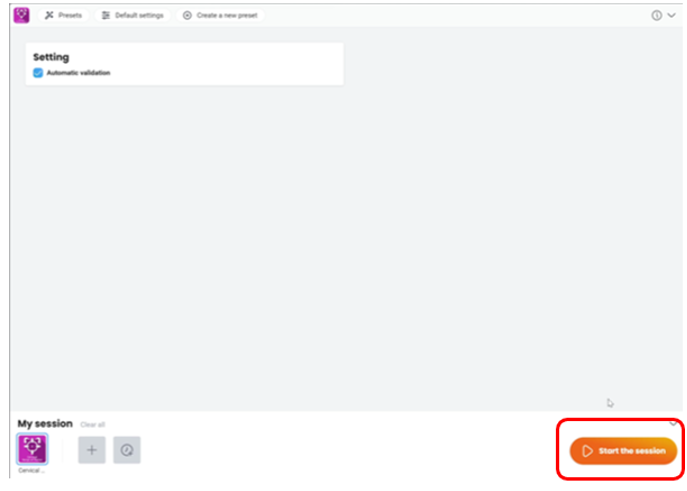
4. Click on the Cervical Range of Motion button to launch the module.