Solutions / Pt / Equinox Evo
Equinox Evo

Equinox Evo

Chegou a hora de atualizar seu audiômetro? Então explore o audiômetro clínico Equinox Evo e entre no futuro da audiometria! Leia mais sobre o Equinox Evo.
Get a quote Find a distributor
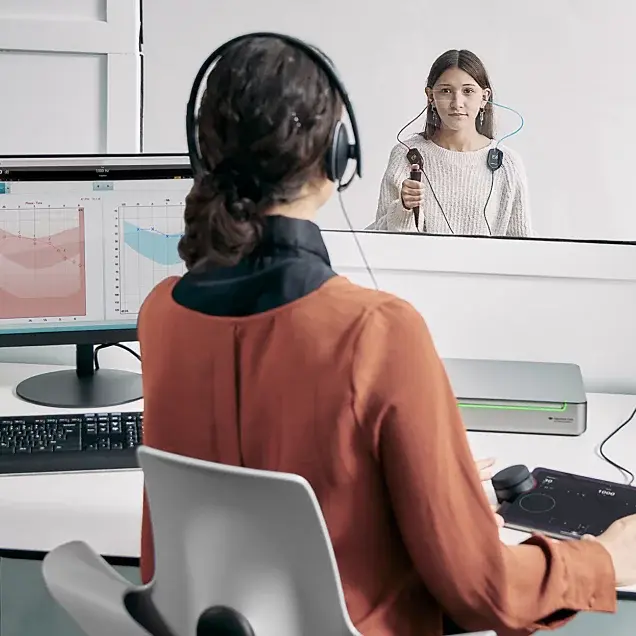
A clinician using the Equinox Evo and Touch Keyboard to perform audiometry in a teenager sitting in a booth

Você sabia que é possível?

Soluções PEATE EOA Audiômetros Timpanômetros Adaptação de aparelhos auditivos Equipamentos de equilíbrio Sistema de pesquisa Equipamentos de reabilitação

Sobre nós Nossa história Sustentabilidade Sustentabilidade ambiental Pesquisa Unidade de Pesquisa Pesquisa ACT Sistemas de pesquisa
Apresentamos o Equinox Evo e o Teclado Touch. Juntos, eles fornecem a simplicidade e a funcionalidade essenciais para qualquer configuração de audiometria.
O Equinox Evo é um audiômetro clínico de 2 canais que adiciona à clínica ou hospital mais do que a audiometria simples.
Ele contém os testes mais recentes para audiometria pediátrica e uma grande bateria de testes avançados – como o teste de limiar de contraste audível (ACT).
Use o Teclado Touch sem fio para aproximar da criança os controles do audiômetro
Simplifique sua avaliação de audiometria usando o Teclado Touch com controles VRA integrados.
Utilize uma variedade de estímulos, incluindo sons filtrados por frequência, para ajudar a manter a atenção da criança.
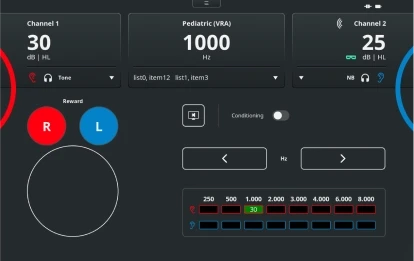
Pediatric (VRA) test screen with the Touch Keyboard. For channels 1 and 2, it is possible to change the stimulus level and type. There are buttons to reward right or left, enable conditioning, and change the frequency level. Finally, there is a table showing the scored hearing threshold for each ear and for each frequency

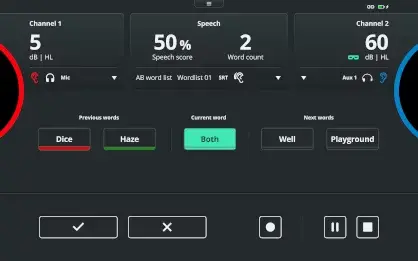
Speech test screen with the Touch Keyboard. For channels 1 and 2, it is possible to change the stimulus level. A speech score is displayed alongside the word count and word list. Below, there are previous words labeled red if the response was incorrect and green if the response was correct. The current word is highlighted in the middle with the next words displayed to the right. At the bottom, the user can score correct or incorrect using the checkmark and cross buttons, respectively. There are also the options to pause or stop the test

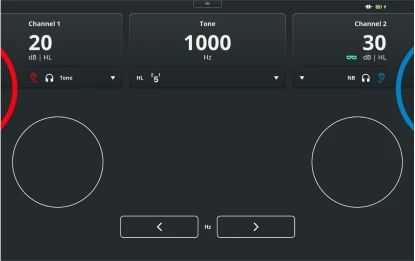
Pure tone audiometry test screen with the Touch Keyboard. For channels 1 and 2, it is possible to change the stimulus level and type. The frequency is displayed toward the top, with buttons below to decrease or increase the frequency

Eight patients stood or sat next to each other in chronological order from baby to elderly

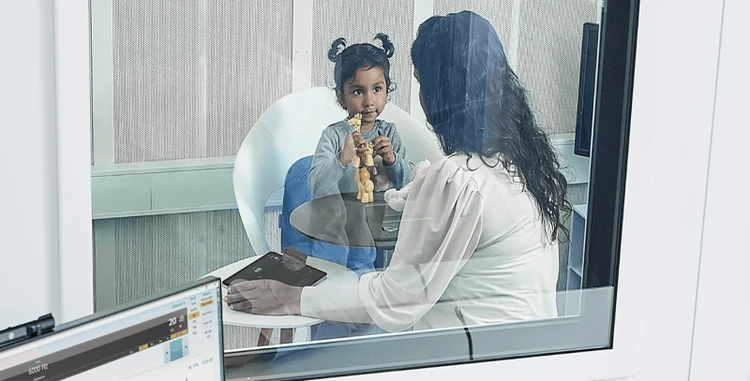
Clinician sat in booth with a young child and operating the Touch Keyboard

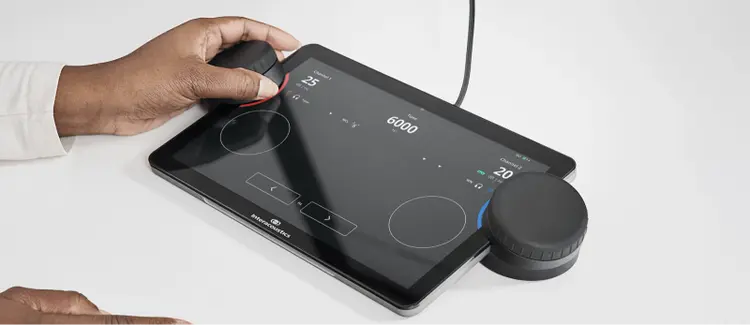
Close up of the Touch Keyboard displaying the pure tone audiometry screen. A clinician is using the left dial for the right ear

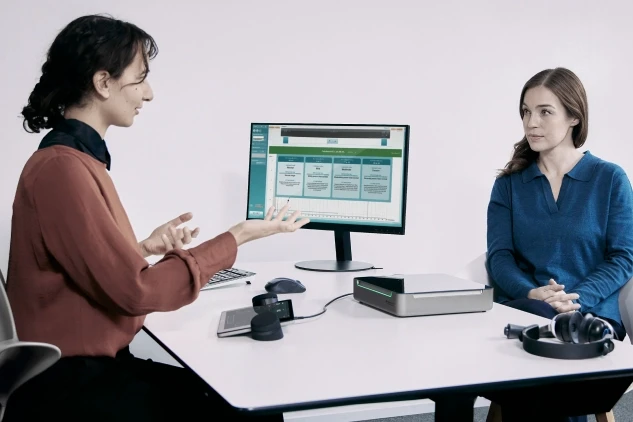
A clinician explaining Audible Contrast Threshold results to an adult patient

Contact your local distributor

Our world-wide experts are ready to help you find the right solution.
Find a distributor