Callisto™ Support
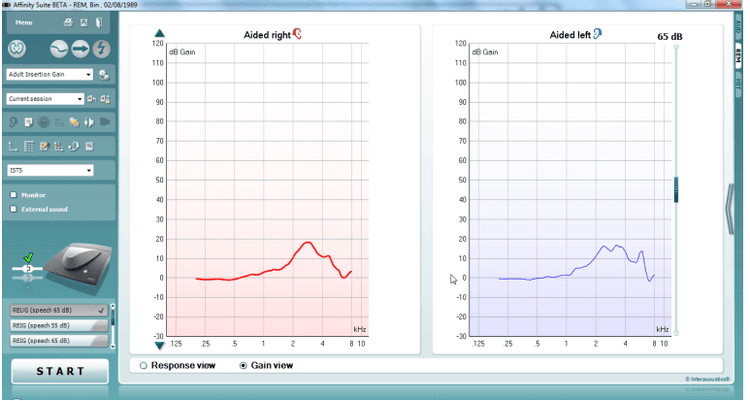
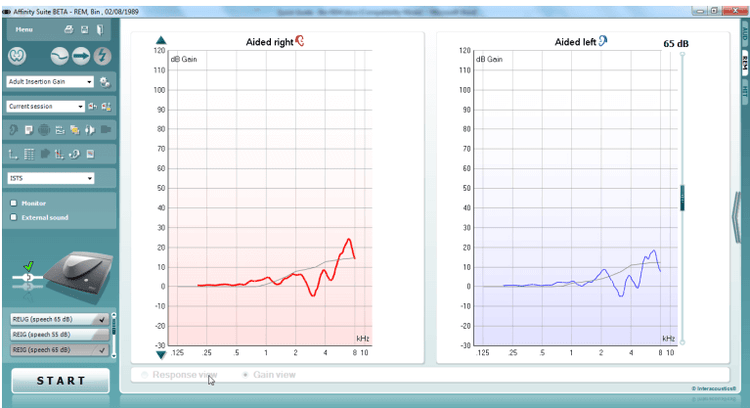
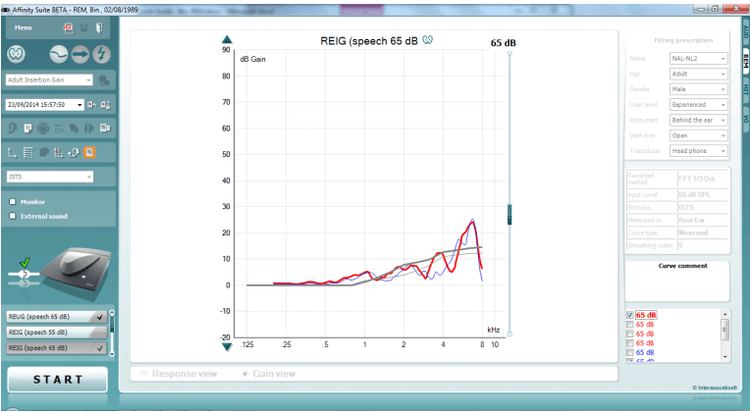
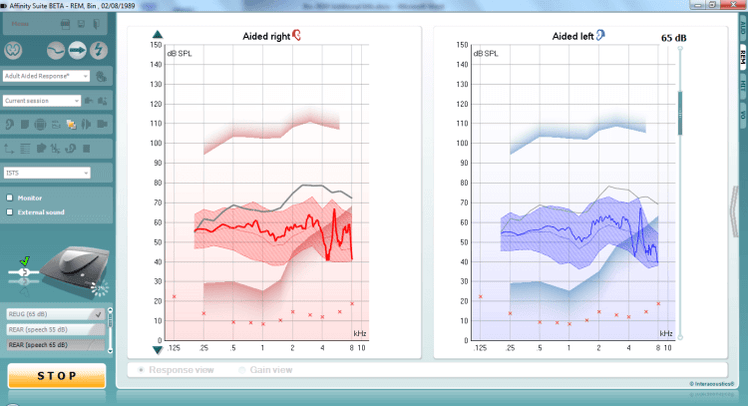
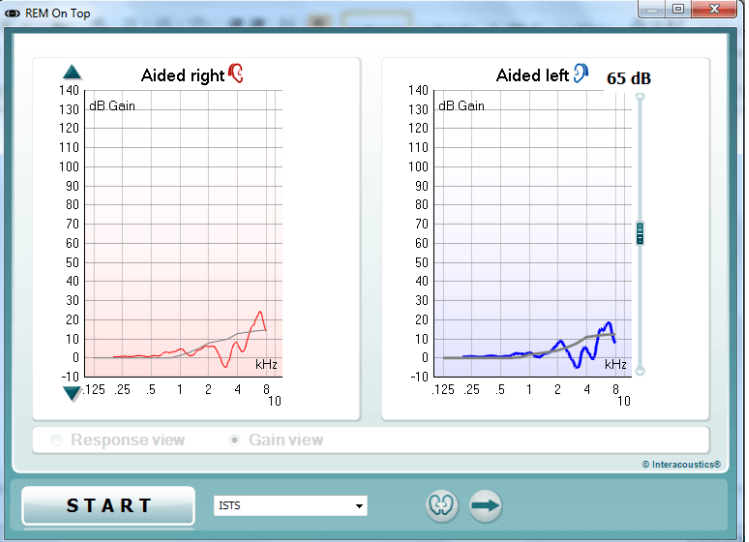
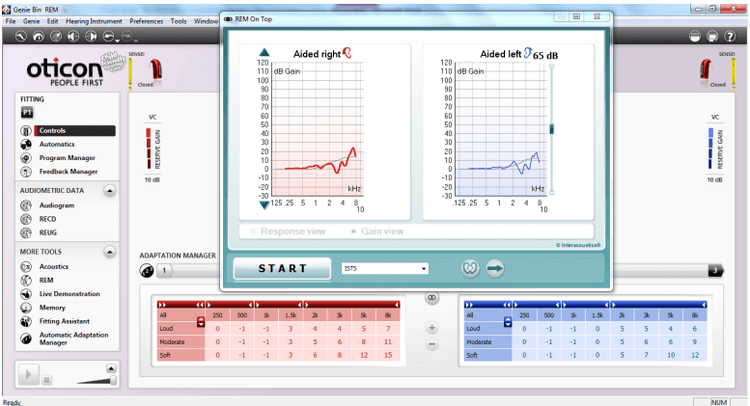
The binaural REM feature in Callisto™ Suite will allow you to perform Real Ear Measures in a much faster procedure and allow you to view the activity in each ear simultaneously.
Enter/Select an audiogram from Noah or from the AUD module. If no audiogram is entered or selected, no targets will be displayed.
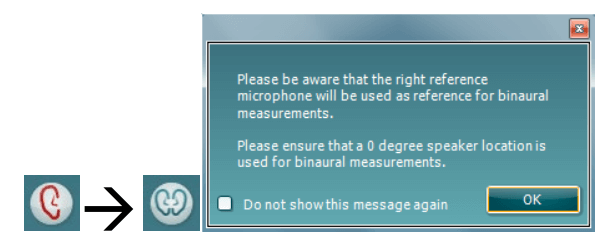
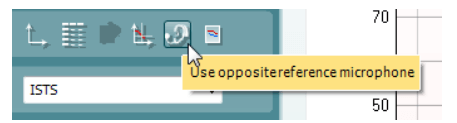
To enable Binaural REM measurements in the REM module you will need to Right click on the ear selector icon. This will then show a binaural icon and a popup to alert the user when using this function. Due to the way in which this feature has been implemented you will not need to recreate new protocols to use this function. It uses the settings you already have in your existing protocols. Please note: when running measurements of this type you will only be using one reference microphone to monitor the signal from the speaker. This is the right microphone by default but it can be swapped to the left microphone by using the ‘use opposite reference microphone’ buttonIt is also essential that the position of the patient in relation to the REM speaker is maintained at 0° as this will ensure that the same signal intensity is reaching each ear as they are equal distance from the speaker.
Connect probe tubes to the REM reference microphones.
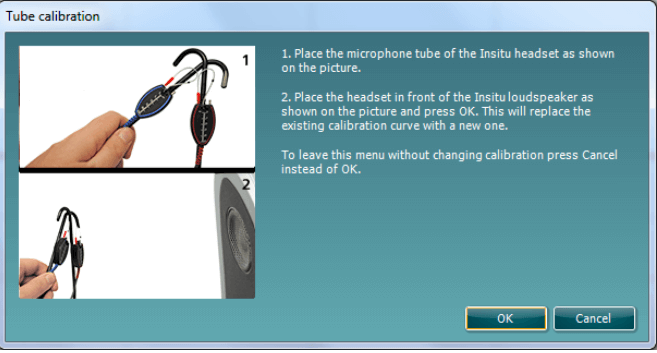
Click on the Tube Calibration button and follow the instructions on the screen, this process ensures that the probe tube is made acoustically invisible – enabling an effective display of the actual gain achieved at the tympanic membrane by the hearing aid. On running the calibration you will notice that in Binaural mode there is an automated procedure to calibrate both Left and Right REM tubes sequentially, without having to manually start each individually.
Position the patient approximately 0.5 metres from the REM loudspeaker.
Perform otoscopy to ensure the ear canal is clear.
Snap the REM headsets on the REM headband and place on patient’s ear.