Affinity 2.0 Support
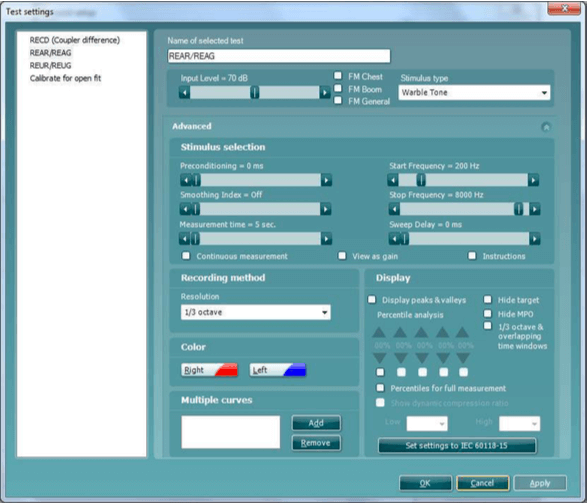
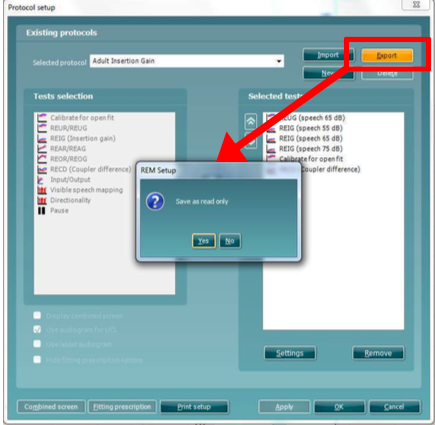
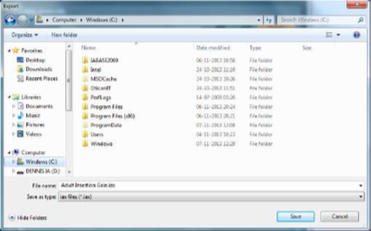
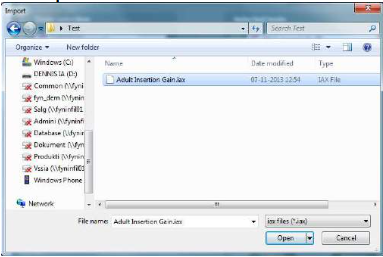
The Affinity 2.0 and Callisto™ software suites all have pre-defined protocols. Most of these protocols can easily be copied, modified or created from new. These modifications can be either permanent or temporary.
Working with ProtocolsSelecting a standard test protocol:
Open the Affinity 2.0 Suite from your patient management system, Noah, OtoAccess™, or stand-alone.
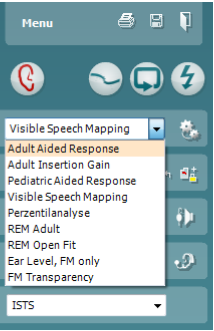
In the List of Protocols, all customized and standard test protocols are listed.
Designing a New Customised Test Protocol
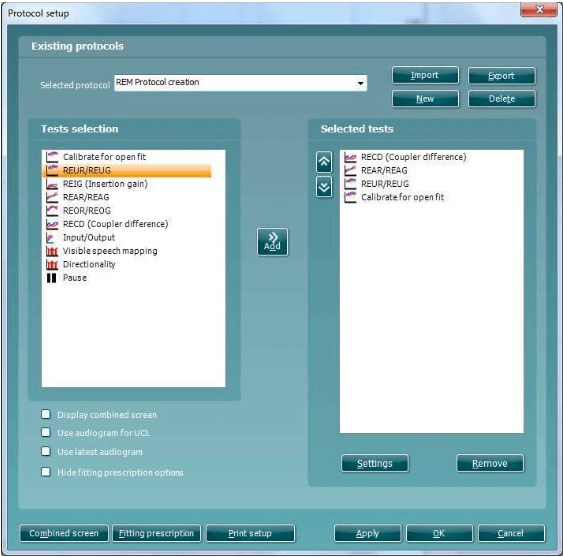
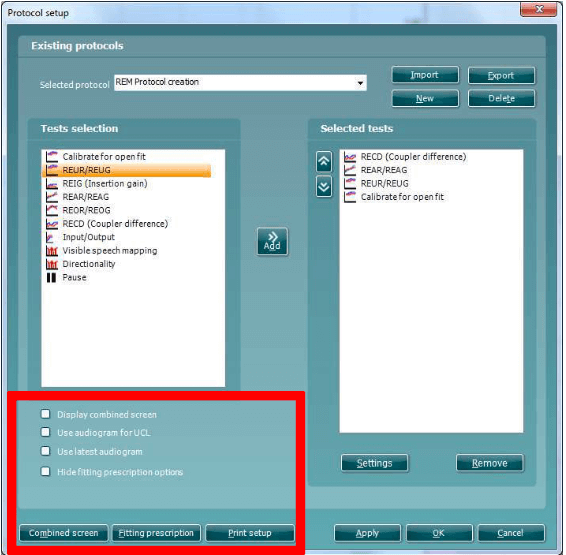
Enter the REM440 setup by pressing Menu/Setup/REM440 setup.
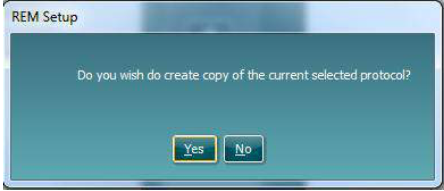
Press New. A pop-up will ask whether the new test protocol should be based on a copy of the currently selected test protocol. When asked by the message box The system will create a copy of the current test and allow you to add new tests, make changes, and save it under a new name.NO: The Selected tests section will be blank and you can create a new test from scratch.
Name the test protocol setup in the Selected protocol section.