Solutions / Hearing Aid Fitting / How to Verify Directional Hearing Aids
How to Verify Directional Hearing Aids
How to Verify Directional Hearing Aids
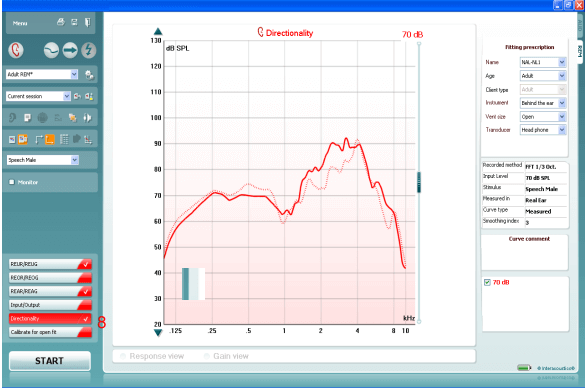
Learn how to verify directional hearing aids with the Affinity 2.0 system, using real ear measurements (REM).
Affinity 2.0 Support
From your patient management system, Noah or OtoAccess®, launch the Affinity or Suite.
Launch the REM440 module by clicking on the REM tab.
Prepare the patient for Real Ear Measures.
Calibrate the probe tube.
If fitting an open hearing instrument, perform Calibrate for open fit.
Ensure that the correct Ear is selected.
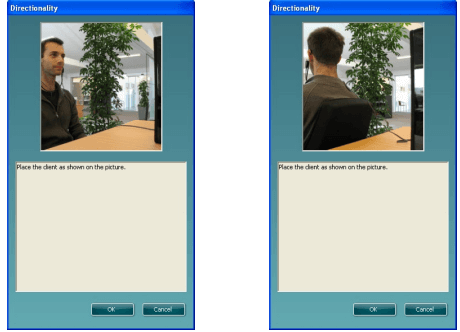
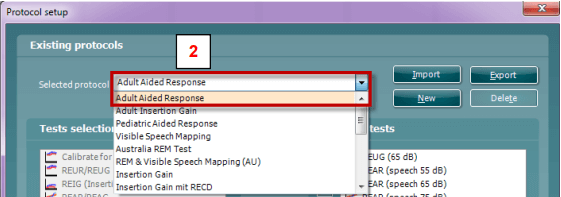
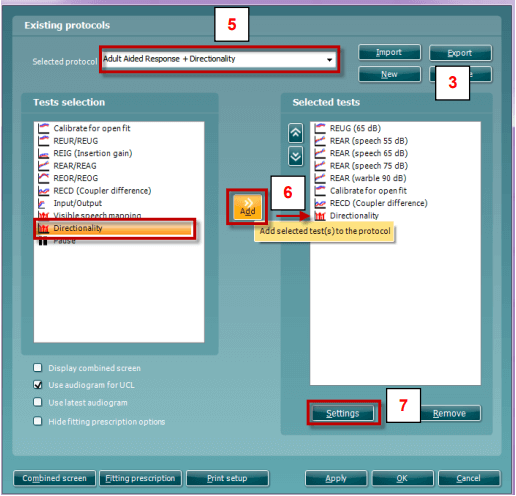
To activate the Directional Test, go to: Menu│Setup│Show/hide protocols│US│Standard Directionality. Insert the checkmark inside the box in front of Standard Directionality. This will ensure that the Directionality test is available from the list of protocols drop down menu (f choosing US country defaults during the Affinity or Callisto software installation, the Directionality test will be available by default)
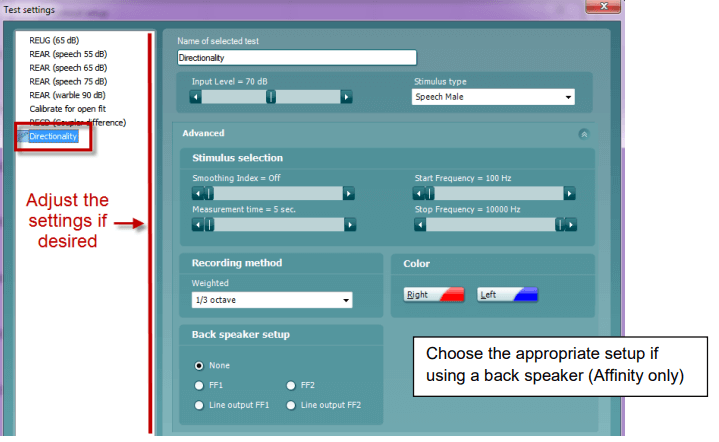
Choose the preferred Stimulus in the corresponding dropdown list.
Contact your local distributor
Our world-wide experts are ready to help you find the right solution.