Solutions / Hearing Aid Fitting / Hearing Instrument Testing
Hearing Instrument Testing

Hearing Instrument Testing

Learn how to perform hearing instrument testing with the Affinity 2.0 device.
Get a quote Find a distributor

Affinity 2.0 Support

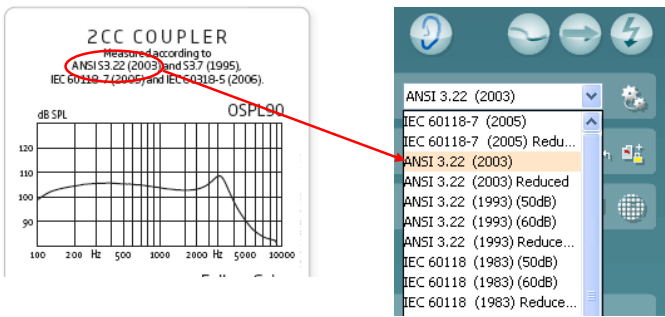
NOTE: Hearing instruments need to be in FULL ON GAIN MODE/TEST MODE in order to compare the results to the hearing aid manufacturers’ technical data sheets. Each hearing aid manufacturer has a different way of accessing this Test Mode. Please check with the hearing aid manufacturers for instructions on how to program the hearing aid into TEST MODE.
Launch the Affinity Suite from your patient management system, Noah or OtoAccess®.
Click on the HIT tab to launch the HIT440 module.
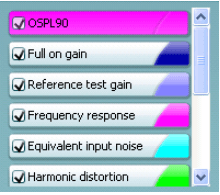
If comparing to manufacturers’ technical specification, ensure that the hearing aid is in FULL ON GAIN MODE.
The Affinity2.0 hardware.
The Affinity Suite with the HIT440 module.
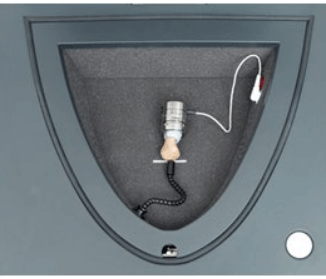
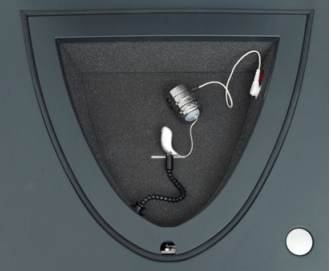
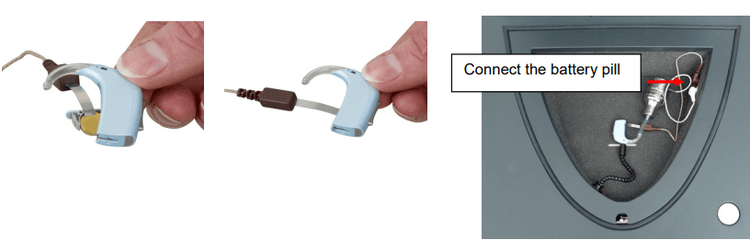
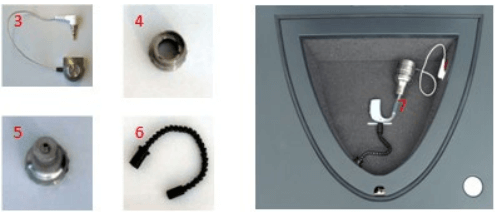
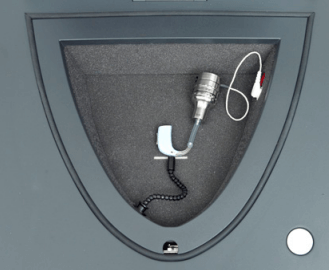
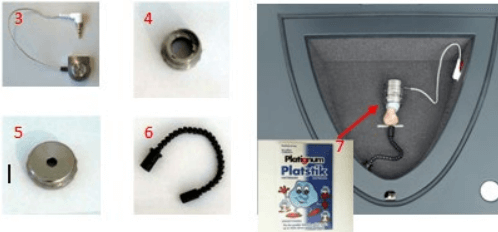
A coupler (most common is 2cc coupler).
The BTE Adaptor for the coupler.

Contact your local distributor

Our world-wide experts are ready to help you find the right solution.
Find a distributor