Solutions / Hearing Aid Fitting / How to perform FM transparency verification

How to perform FM transparency verification

How to perform FM transparency verification

In this Affinity 2.0 quick guide, you'll learn how to perform FM transparency verification. Read more.
Get a quote Find a distributor

Affinity 2.0 Support

Note: FM transparency assumes that the hearing aid has already been programmed to match the target, according to the patient’s hearing loss.
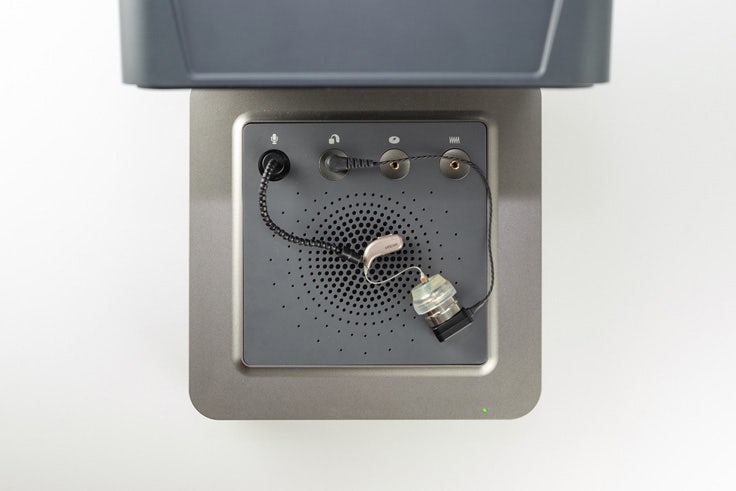
Note: The examples shown below are using the Affinity Compact system. However, the steps are the same.
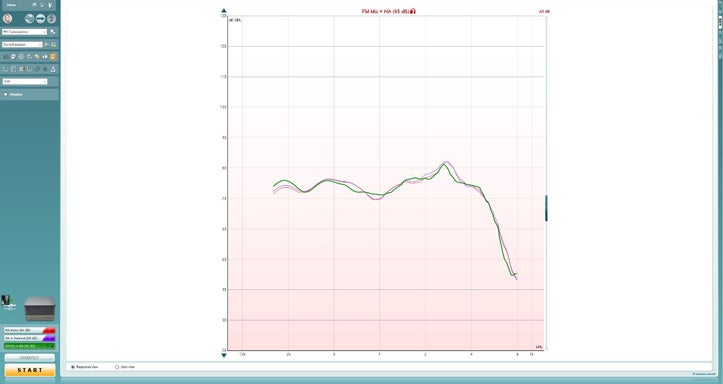
Launch Affinity/Callisto Suite and select the REM module. Select the FM Transparency protocol from the drop-down menu (Figure 1).
Figure 1: FM Transparency protocol.
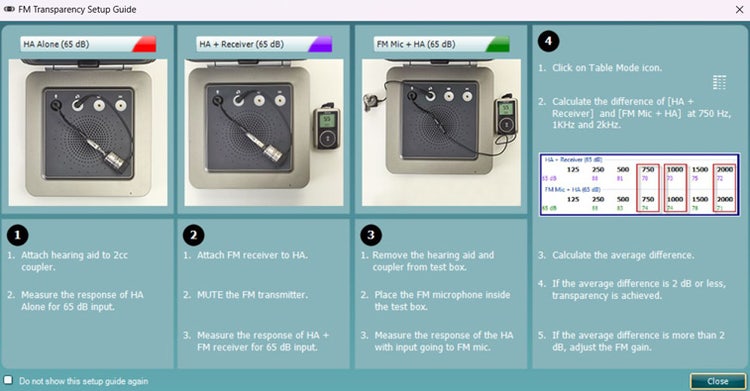
When the protocol has been selected, a setup guide will pop up with instructions on how to perform FM transparency verification (Figure 2). See below steps for further instructions.
Figure 2: FM Transparency setup guide. Note: this setup guide shows a different FM transmitter.
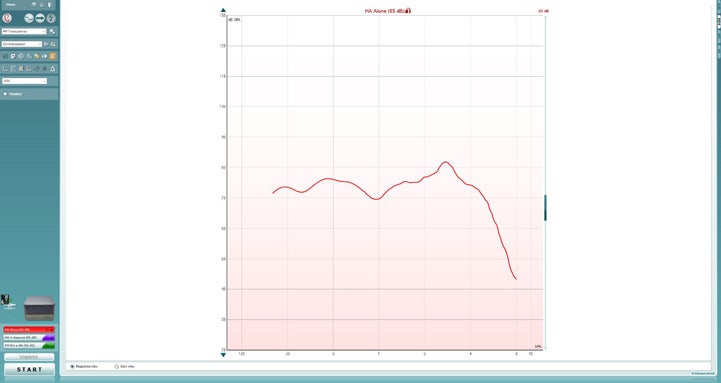
1. Select the ‘HA Alone’ test.
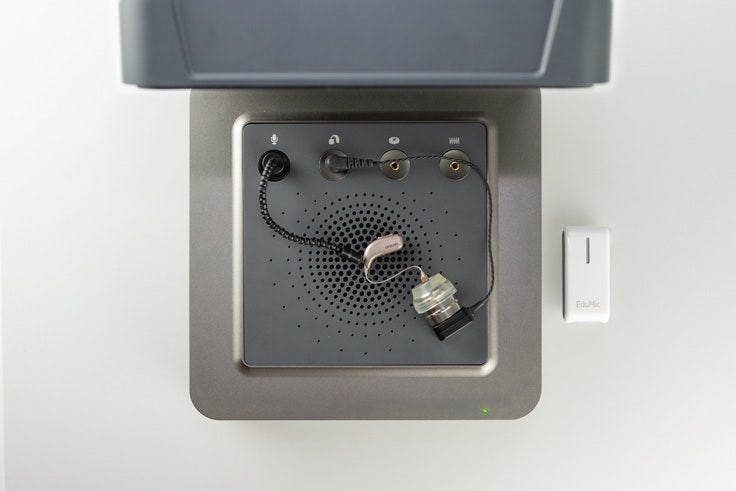
2. Attach the hearing aid to the coupler/coupler microphone.

Contact your local distributor

Our world-wide experts are ready to help you find the right solution.
Find a distributor