Solutions / Hearing Aid Fitting / HIT440 Protocol Setup
HIT440 Protocol Setup
HIT440 Protocol Setup
Learn how to set up protocols in the Affinity Compact's hearing instrument testing module.
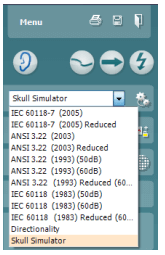
Affinity Compact Support
The Affinity Suite has pre-defined protocols. Most of these protocols can easily be copied, modified or created from new. These modifications can be either permanent or temporary.
Open the Affinity Suite from Noah, OtoAccess®, or stand-alone.
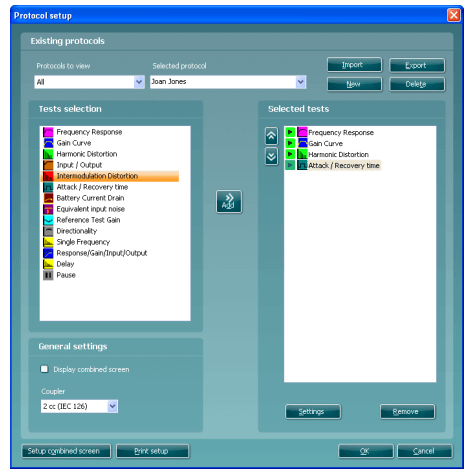
In the List of Protocols, all customized and standard test protocols are listed
Enter the HIT440 setup by pressing Menu/Setup/HIT440 setup.
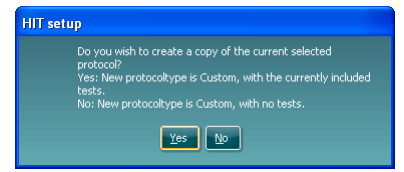
Press New. A pop-up will ask whether the new test protocol should be based on a copy of the currently selected test protocol. When asked by the message box The system will create a copy of the current test and allow you to add new tests, make changes, and save it under a new name.NO: The Selected tests section will be blank and you can create a new test from scratch.
Name the test protocol setup in the Selected protocol section.
Select the tests to be included in the test protocol. Mark a test by clicking on it and press the Add. Double clicking on a test will also select it. Choose all the tests for the test protocol using this procedure.
To remove a test selected by mistake, select it under Selected tests and press Remove. The test will then jump back to the Test selection list.
Contact your local distributor
Our world-wide experts are ready to help you find the right solution.