Solutions / Hearing Aid Fitting / Customized Printout Setup
Customized Printout Setup

Customized Printout Setup

Learn how to customize printouts with the Affinity Compact.
Get a quote Find a distributor

Overview

Creating a custom print template
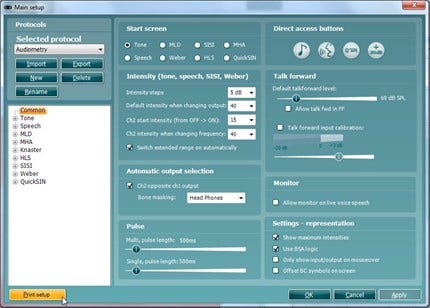
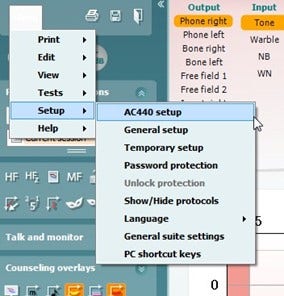
Opening the Print Wizard:
Open the Affinity2.0 or Callisto™ Suite from your patient management system, Noah, OtoAccess®, or standalone.
You can access the setup for protocols from any of the AUD, REM or HIT (Affinity2 only) tabs.
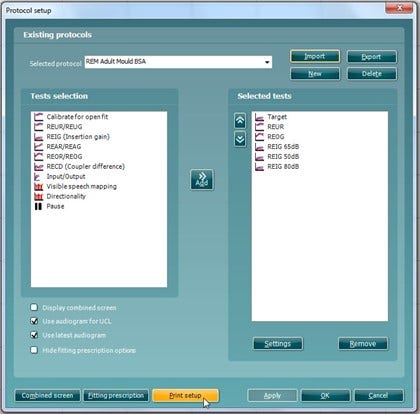
Press, Menu, Setup and then AC440 Setup (or REM440/HIT440 depending on which module you are in). Performing this action will open a new window.
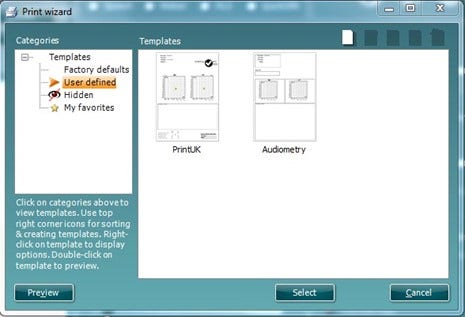
In the new window you will find Print Setup in the bottom left corner. Please press this to open the Print Wizard.
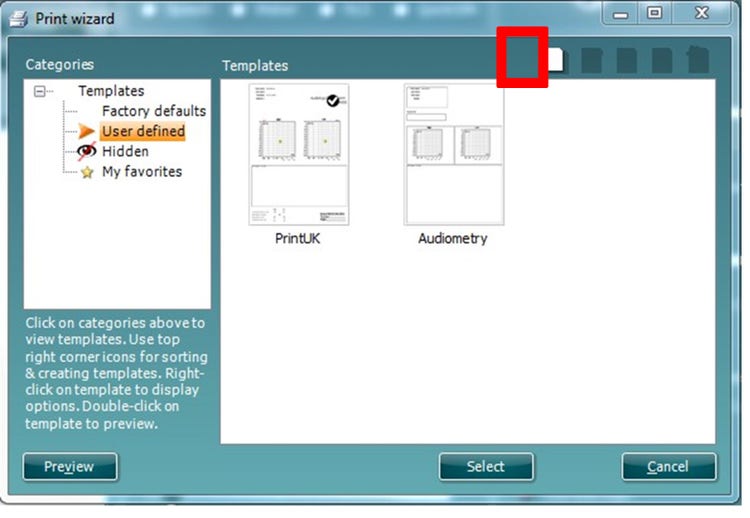
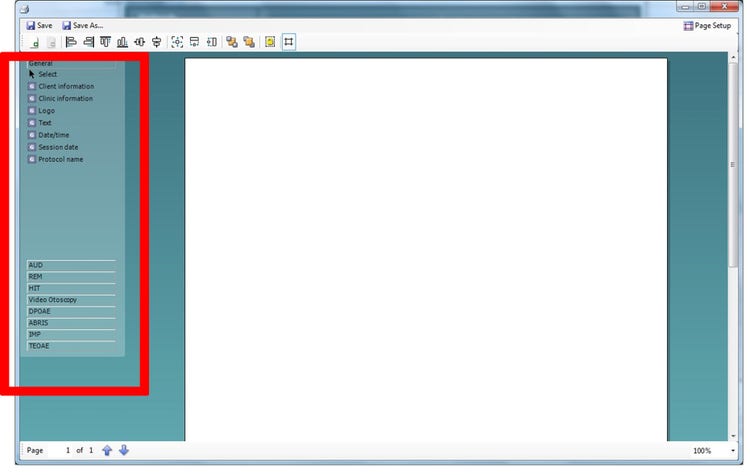
Designing a New Customised Print Template
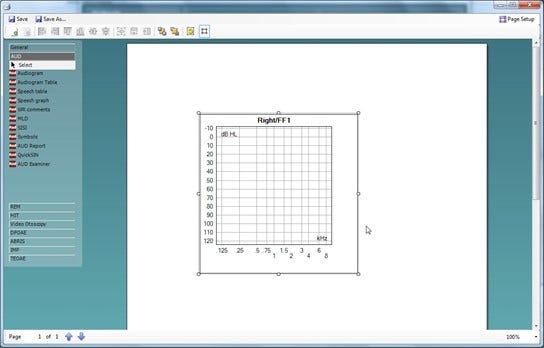
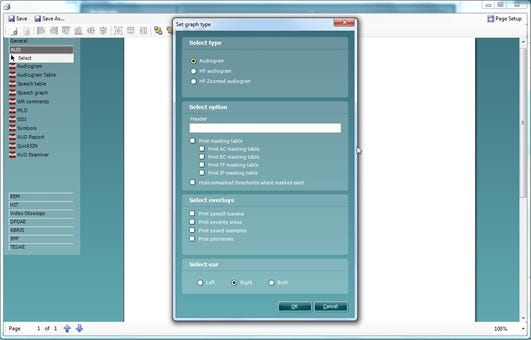
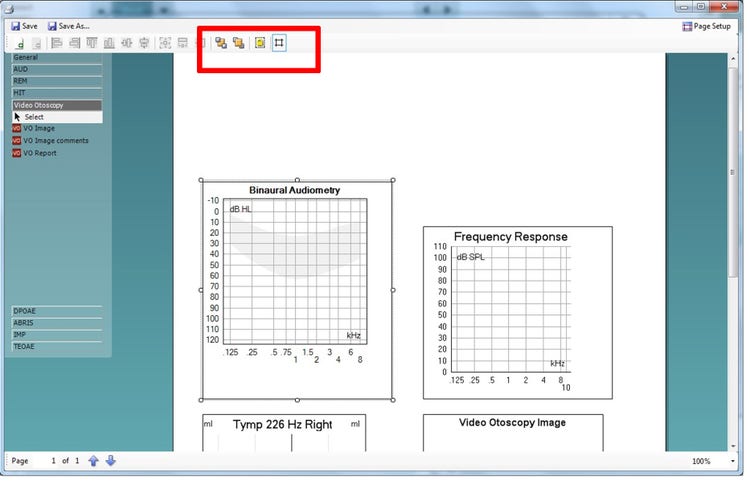
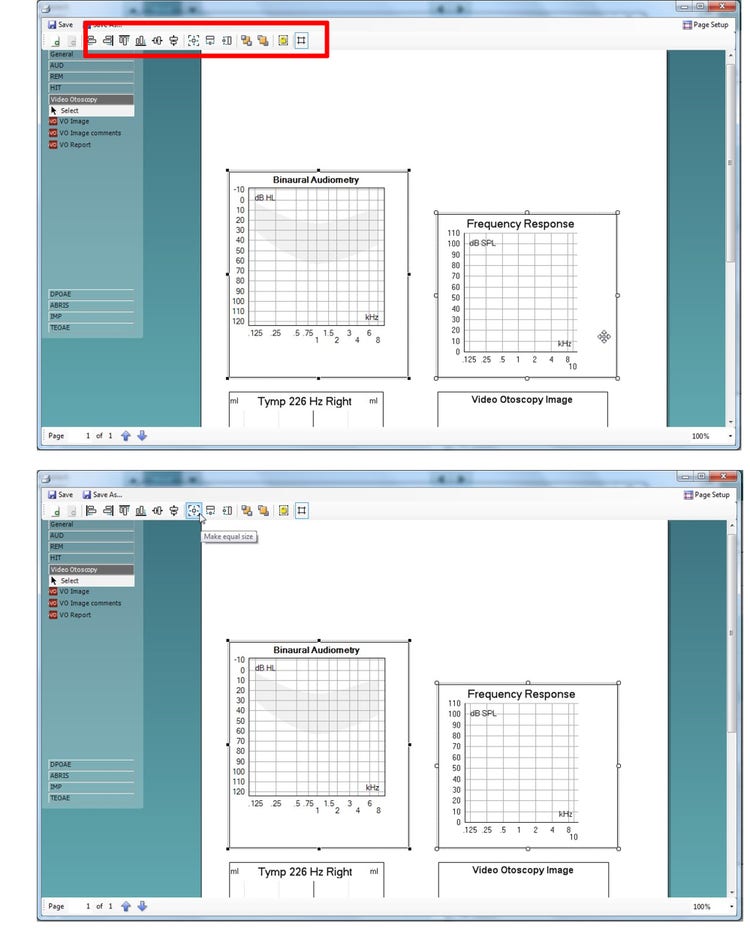
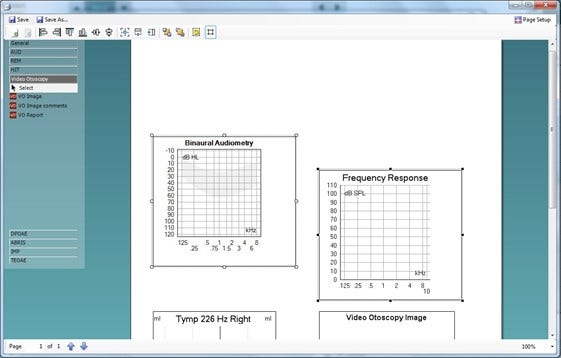
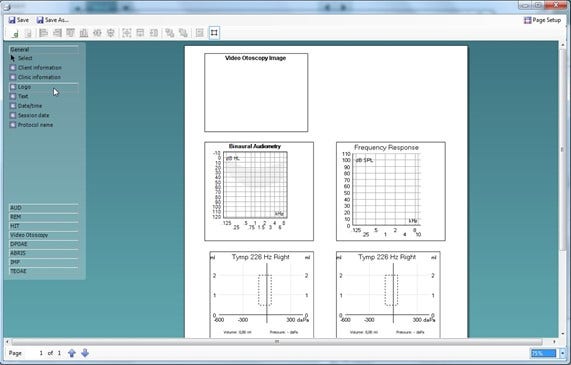
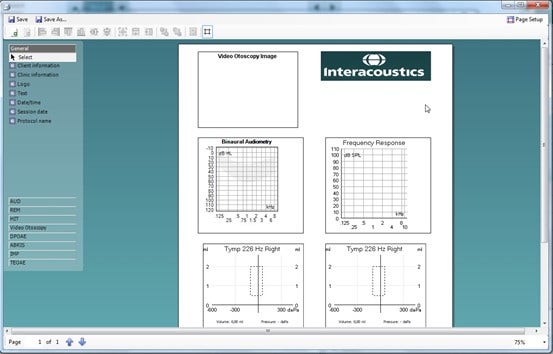
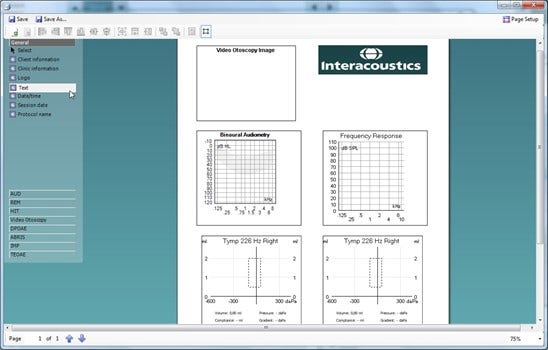
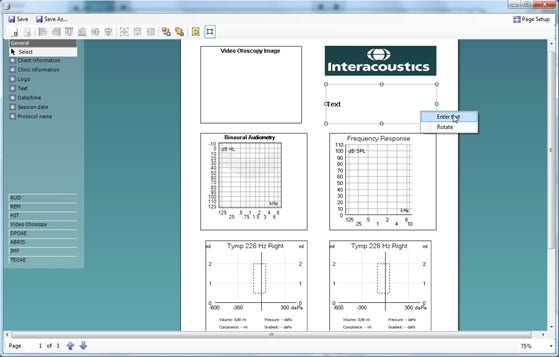
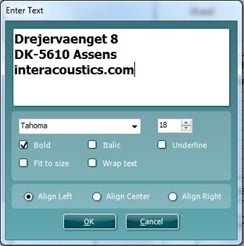
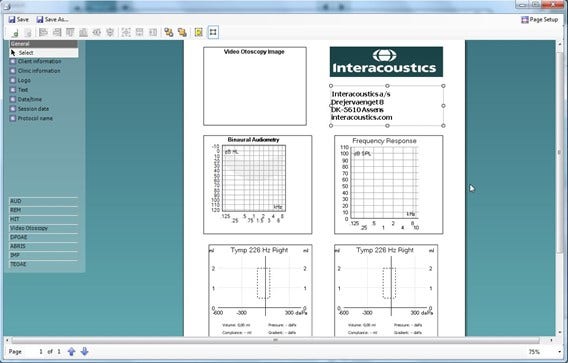
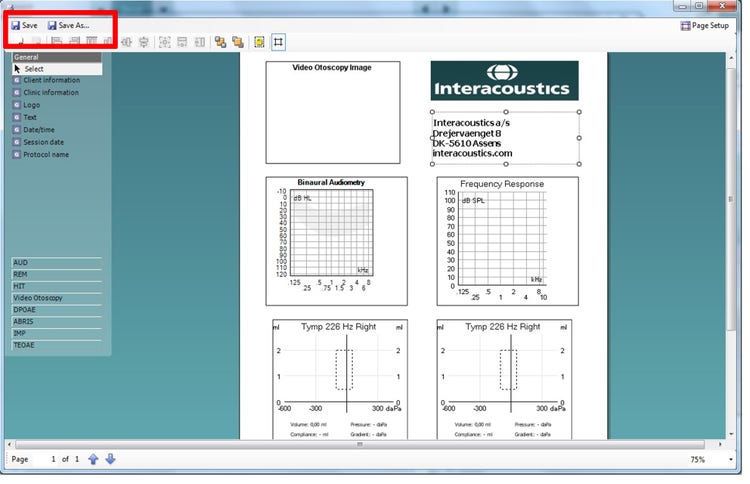
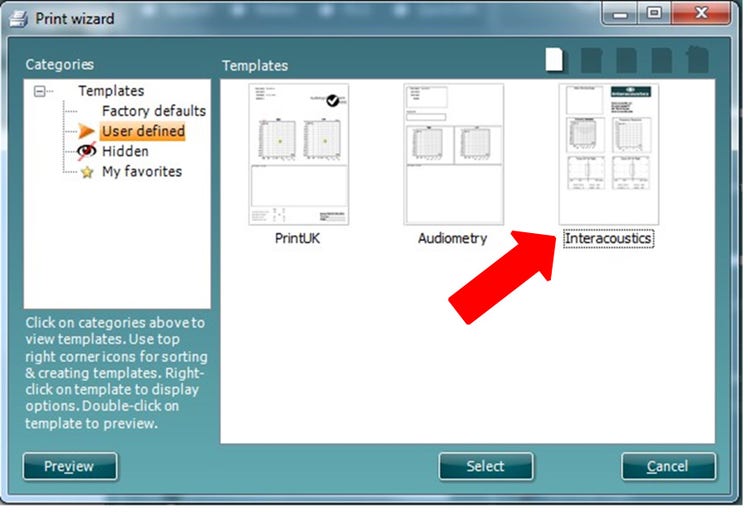
Now that you are in the Print Wizard you will see the below screen:This screen is further clarified by the quick guide titled; ‘Quick Guide – Print Report’.

Contact your local distributor

Our world-wide experts are ready to help you find the right solution.
Find a distributor