Solutions / Hearing Aid Fitting / How to perform CROS and BiCROS fitting
How to perform CROS and BiCROS fitting

How to perform CROS and BiCROS fitting

Learn how to fit CROS and BiCROS hearing aids with the Affinity Compact.
Get a quote Find a distributor

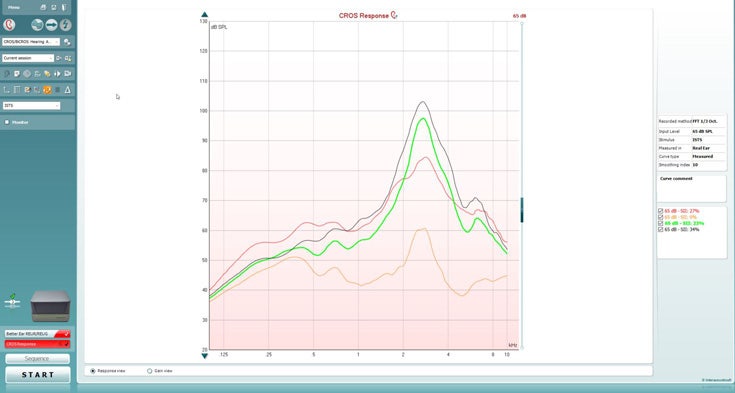
How to perform CROS

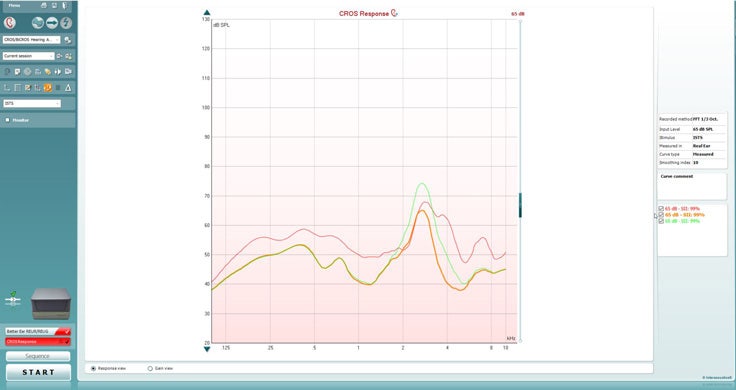
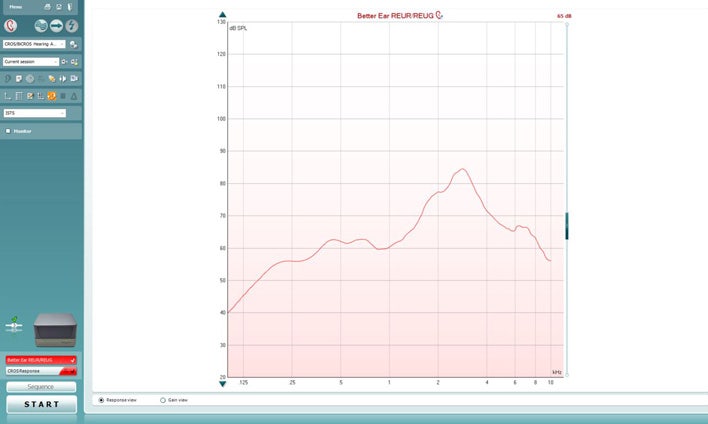
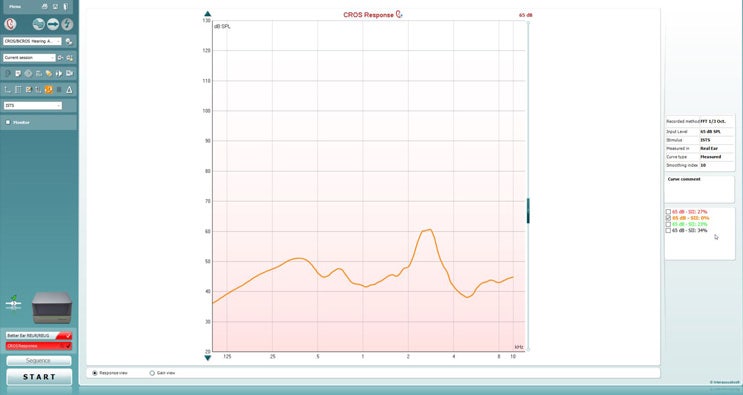
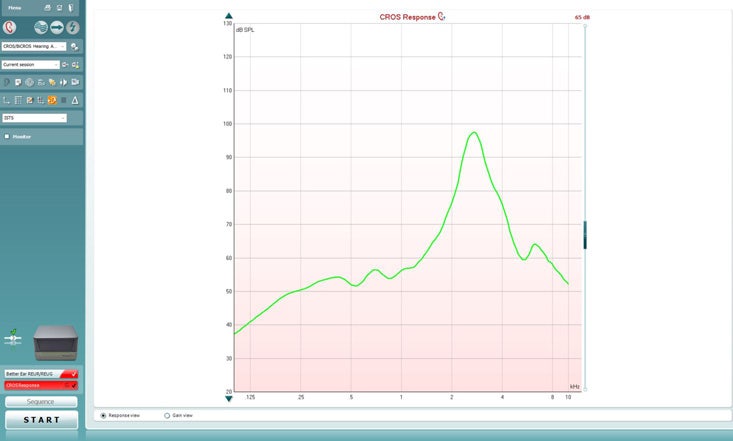
This quick guide is intended to give a brief explanation on how to fit CROS and BiCROS type hearing aids.
1. Launch Affinity/Callisto Suite.
2. Ensure audiogram is entered.
3. Navigate to REM module.
4. Fitting prescription settings will automatically pop up, click ‘Okay’.
5. Ensure Monaural view is selected.
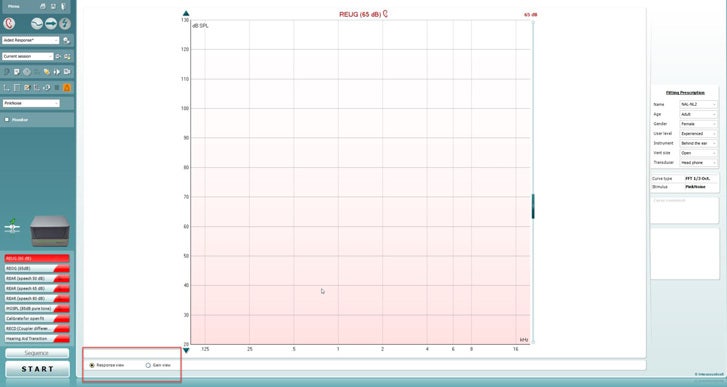
6. Ensure Response view is selected (Figure 1).
Figure 1: Selecting Response view.

Contact your local distributor

Our world-wide experts are ready to help you find the right solution.
Find a distributor