Solutions / Hearing Aid Fitting / Basic Audiometry
Basic Audiometry
Basic Audiometry
Learn how to do basic audiometry with the Affinity Compact.
Affinity Compact Support
Launch the Affinity Suite from Noah or OtoAccess®.
Click on the AUD tab on the upper right hand side of the screen.
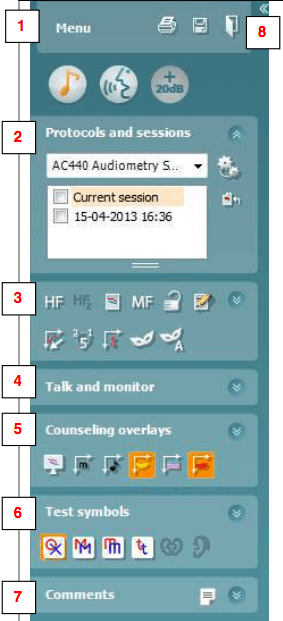
Click on the icon to launch the tone audiometry screen, if Tone audiometry is not the default screen.
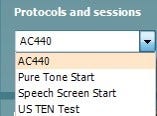
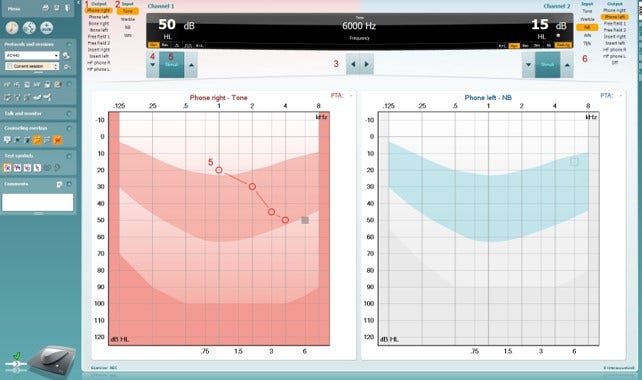
Select the desired Audiometry protocol from the “Protocols and Sessions” drop down list.
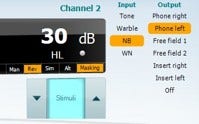
Choose the transducer type.
Choose the Stimulus type.
Choose the test frequency : PC Keyboard: right/left arrow keys. Mouse mode: Left/Right arrow buttons.
PC Keyboard: right/left arrow keys.
Contact your local distributor
Our world-wide experts are ready to help you find the right solution.