What is IA-AMTAS?
IA-AMTAS is a special test within the Affinity Suite that provides an automated method for obtaining a diagnostic hearing test; including air and bone conduction thresholds with masking applied to the non-test ear. IA-AMTAS also provides automated tests of speech reception, both Speech Recognition Threshold (SRT) and Word Recognition Scores (WRS) may be obtained.
IA-AMTAS was developed through a partnership between Audiology Incorporated and three research institutions, the University of Minnesota, the University of Utah, and the James H. Quillen Veterans Administration Medical Centre. The development was funded by the National Institutes of Health Small Business Technology Transfer (STTR) Program.
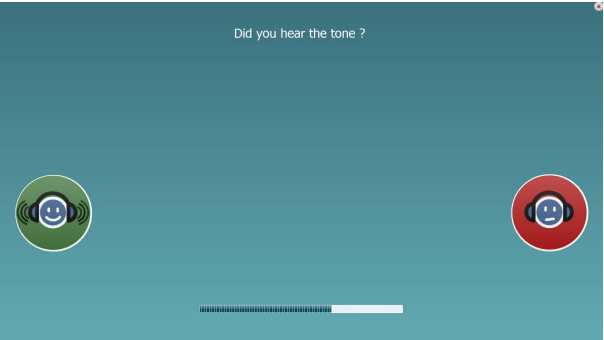
IA-AMTAS is based on a psychophysical procedure that uses the patient’s responses to determine signal levels needed to find auditory thresholds. Once the transducers are placed on the patient, the test is self-administered. The test is self-paced so that patients proceed at the rate that is comfortable for them. Feedback is provided to the patient that helps them distinguish between test tones and other auditory sensations. IA-AMTAS was designed to provide the same test results that would be obtained by an expert audiologist with a psychophysical procedure that has advantages over the commonly used clinical (“Hughson-Westlake”) method.
Quality indicators provide information about the validity of results. Air conduction audiograms are classified based on configuration, severity, and symmetry. The program generates a report and interfaces with Affinity Suite and the data may be transferred to other software programs.
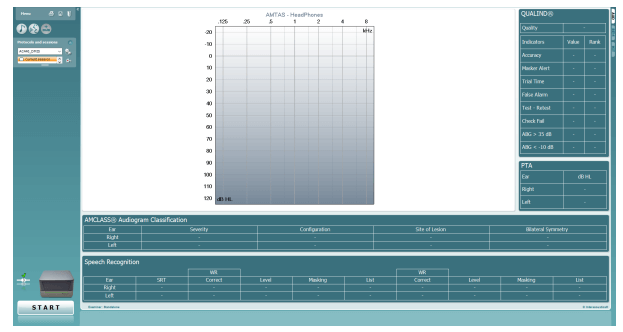
In your Affinity Suite go to Menu then Tests and click on AMTAS. On doing this you will be brought into the screen below.
As no data exists you will not see anything in the graphs shown on the screen. If you have previous IA-AMTAS sessions then you will be able to view them along with their quality indicator results here.
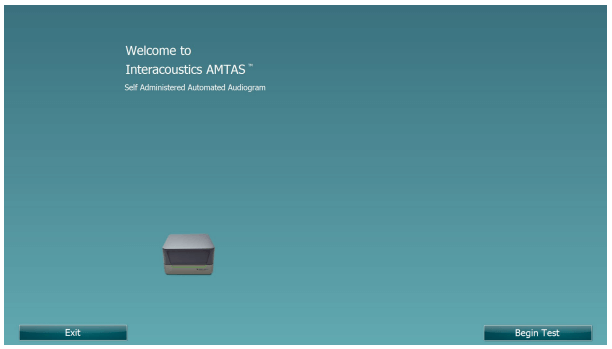
Click ‘Start’ to begin the test, this will bring you into a new screen as shown below.
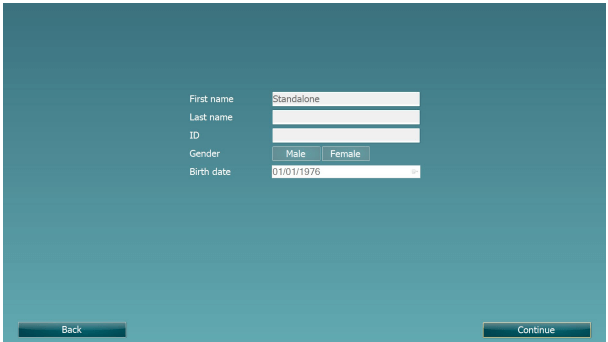
Press on the ‘Begin Test’ Button to proceed.