Affinity Compact Support
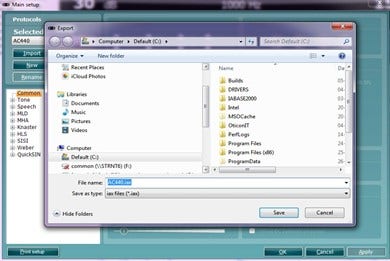
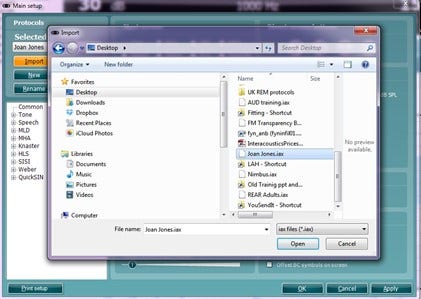
There are many different demands and wishes regarding how an audiometer should both function and appear depending on the specific situation and national standards. One of the greatest advantages of the AC440 module is the flexibility, enabling you to tailor the system according to your specific preferences in the so-called “test protocols”. Below describes basic functionality on how to work with the AC440 Protocols.
Launch the Affinity or Callisto™ Suite from Noah, OtoAccess®, or stand-alone.
Ensure you are in the AC440 screen. Click on the AUD tab if Audiometry is not the default startup screen.
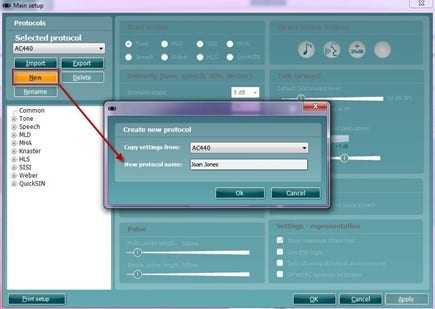
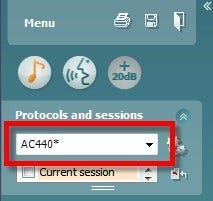
Under Protocols and Sessions, both factory test protocols with standard/factory test parameters and personalized test protocols can be selected.
Note: The protocols available in the drop down will depend on whether factory defaults or country specifics defaults were chosen during the installation of the Affinity2.0 or Callisto™ Suite. Therefore, certain test protocols may be hidden. To hide or un-hide protocols, go to Menu | Setup | Show/Hide Protocols.
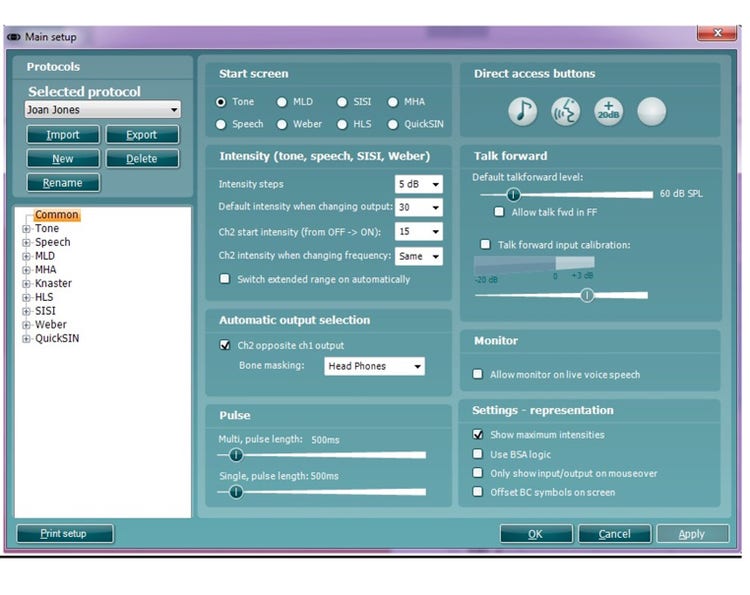
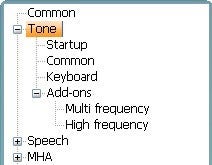
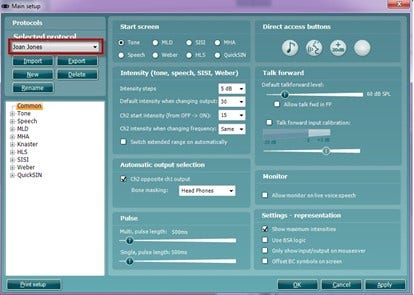
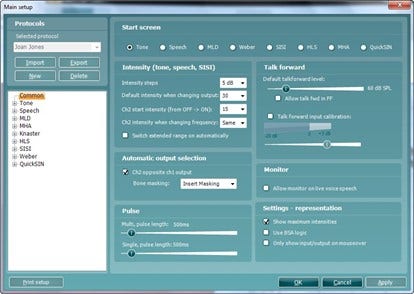
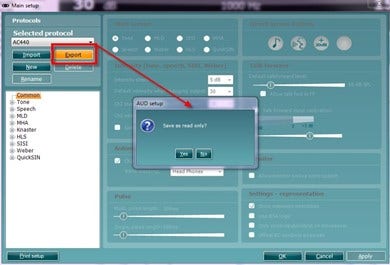
Once in the AC440 Setup, available tests will be listed to the left. Each test can be unfolded to access its options. Each test contains the following options:
Startup: These are the settings in which the test will start up.
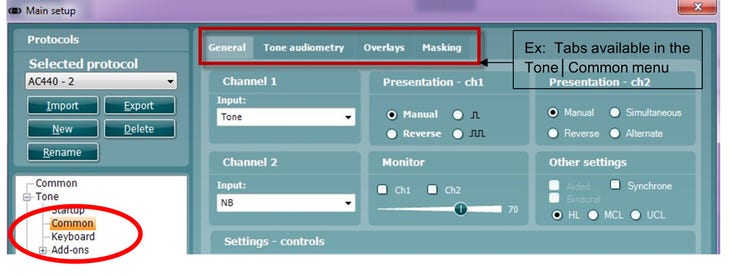
Common: Allows for setting up more general settings of the specific test.