Solutions / Fr / Equinox Evo
Equinox Evo

Equinox Evo

Est-il temps de mettre à niveau votre audiomètre ? Alors découvrez l'audiomètre clinique Equinox Evo et entrez dans l'avenir de l'audiométrie ! En savoir...
Get a quote Find a distributor
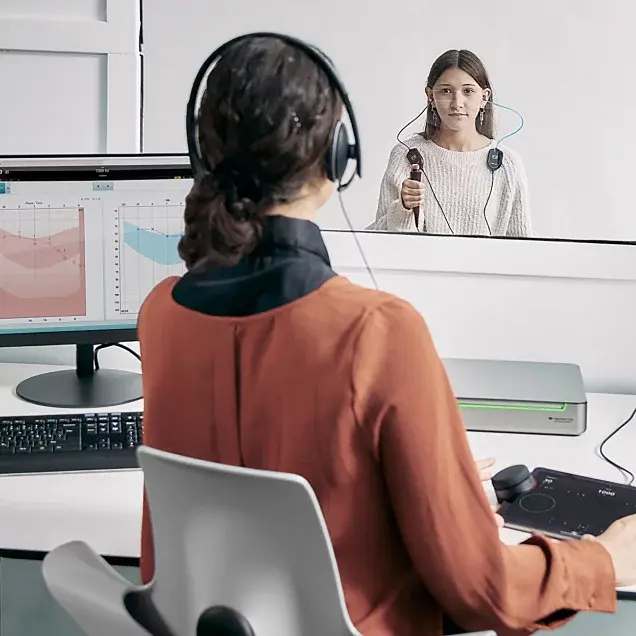
A clinician using the Equinox Evo and Touch Keyboard to perform audiometry in a teenager sitting in a booth

Le saviez-vous ?

Solutions PEA OAE Audiomètres Tympanomètres Systèmes d’adaptation D'équilibre Systèmes de recherche Matériel de rééducation

À propos de nous Notre histoire Durabilité Durabilité environnementale Recherche Unité de recherche Recherche sur ACT™ Systèmes de recherche
Présentation d'Equinox Evo et du Touch Keyboard. Ensemble, ils offrent la simplicité et la fonctionnalité essentielles à toute installation d'audiométrie.
L'Equinox Evo est un audiomètre clinique à 2 canaux qui propose plus qu'une simple audiométrie à la clinique ou à l'hôpital.
Il contient les derniers tests d'audiométrie pédiatrique et de nombreux tests avancés, tels que le test du seuil d'audibilité de contraste (ACT™).
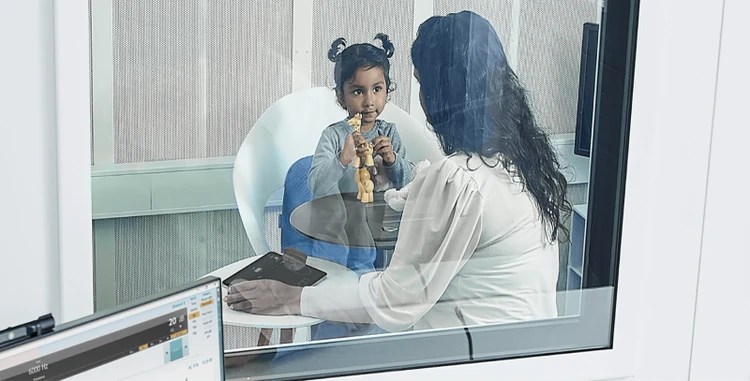
Vous pouvez utiliser le Touch Keyboard sans fil pour rapprocher les commandes de l'audiomètre de l'enfant.
Vous pouvez simplifier votre évaluation audiométrique en utilisant le Touch Keyboard avec les commandes VRA intégrées.
Vous pouvez utiliser une série de stimuli, y compris des sons filtrés en fréquence, pour aider à maintenir l'attention de l'enfant.
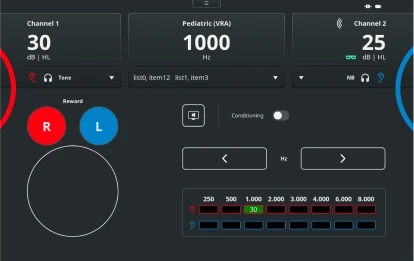
Pediatric (VRA) test screen with the Touch Keyboard. For channels 1 and 2, it is possible to change the stimulus level and type. There are buttons to reward right or left, enable conditioning, and change the frequency level. Finally, there is a table showing the scored hearing threshold for each ear and for each frequency

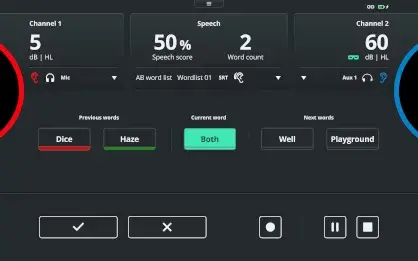
Speech test screen with the Touch Keyboard. For channels 1 and 2, it is possible to change the stimulus level. A speech score is displayed alongside the word count and word list. Below, there are previous words labeled red if the response was incorrect and green if the response was correct. The current word is highlighted in the middle with the next words displayed to the right. At the bottom, the user can score correct or incorrect using the checkmark and cross buttons, respectively. There are also the options to pause or stop the test

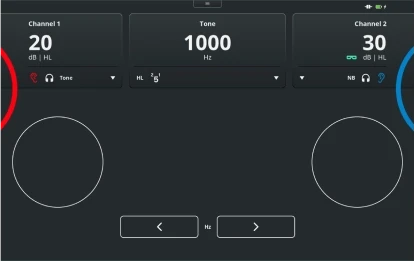
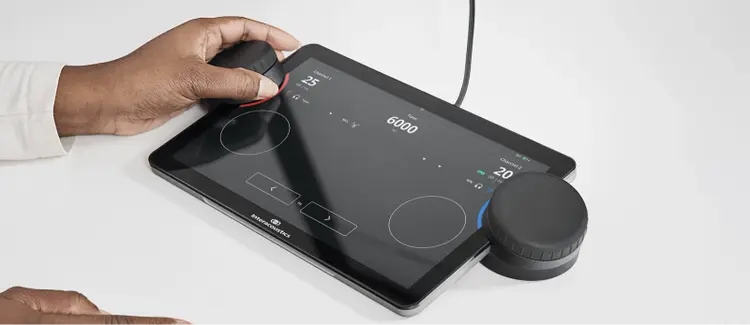
Pure tone audiometry test screen with the Touch Keyboard. For channels 1 and 2, it is possible to change the stimulus level and type. The frequency is displayed toward the top, with buttons below to decrease or increase the frequency

Eight patients stood or sat next to each other in chronological order from baby to elderly

Clinician sat in booth with a young child and operating the Touch Keyboard

Close up of the Touch Keyboard displaying the pure tone audiometry screen. A clinician is using the left dial for the right ear

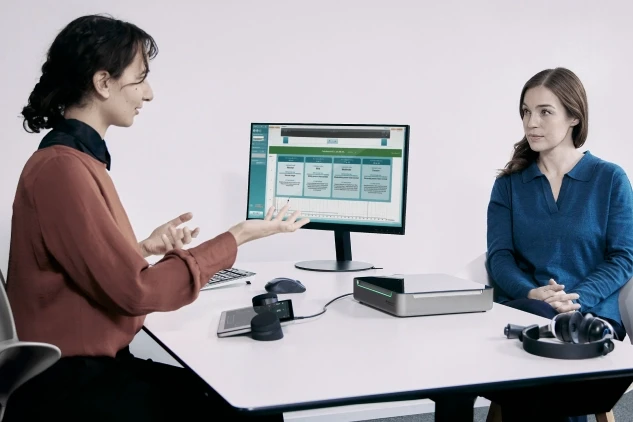
A clinician explaining Audible Contrast Threshold results to an adult patient

Contact your local distributor

Our world-wide experts are ready to help you find the right solution.
Find a distributor