Solutions / Es / Equinox Evo
Equinox Evo

Equinox Evo

¿Es el momento de actualizar su audiómetro? Entonces, debería explorar el audiómetro clínico Equinox Evo y entrar en el futuro de la audiometría.
Get a quote Find a distributor
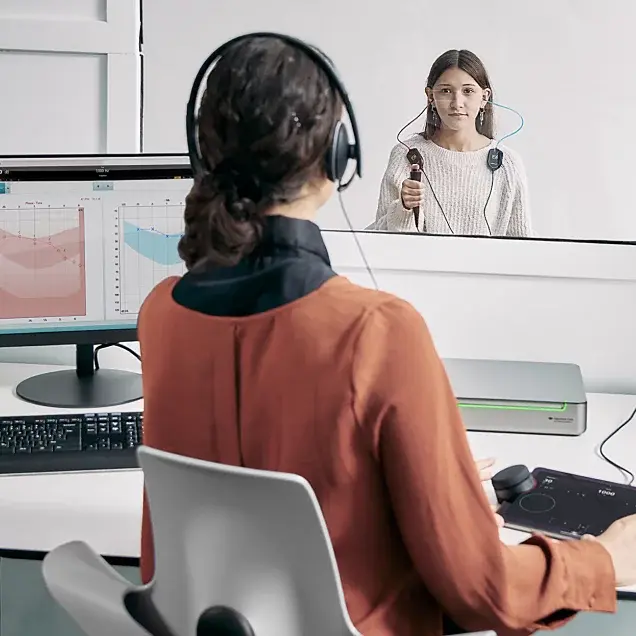
A clinician using the Equinox Evo and Touch Keyboard to perform audiometry in a teenager sitting in a booth

¿Sabía que puede...?

Soluciones ABR OAE Audiómetros Timpanómetros Equipos de adaptación Equilibrio Sistemas de investigación Equipos de rehabilitación

Quiénes somos Nuestra historia Sustentabilidad Sostenibilidad medioambiental Investigación Unidad de investigación Investigación de ACT™ Sistemas de investigación
Presentamos Equinox Evo y Touch Keyboard Juntos, ofrecen la simplicidad y funcionalidad esenciales para cualquier configuración de audiometría.
El Equinox Evo es un audiómetro clínico de dos canales que añade más que la simple audiometría a la clínica u hospital.
Contiene las pruebas más recientes para audiometría pediátrica y una gran batería de pruebas avanzadas como la prueba de Umbral de contraste audible.
Para todas las edades TEl Equinox Evo ofrece la batería de pruebas más completa para dar soporte a las evaluaciones clínicas de todos los pacientes, independientemente de su edad.
Para todos Dos pacientes con el mismo audiograma pueden experimentar la pérdida de la audición de forma diferente. Con el Equinox Evo, puede personalizar su estrategia de prueba según las necesidades individuales de los pacientes.
Para el futuro Con el Equinox Evo y Touch Keyboard, tiene los últimos avances audiométricos en una única plataforma diseñada para crecer con sus necesidades clínicas.
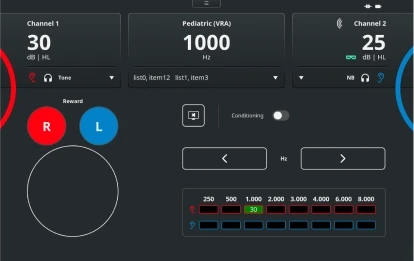
Pediatric (VRA) test screen with the Touch Keyboard. For channels 1 and 2, it is possible to change the stimulus level and type. There are buttons to reward right or left, enable conditioning, and change the frequency level. Finally, there is a table showing the scored hearing threshold for each ear and for each frequency

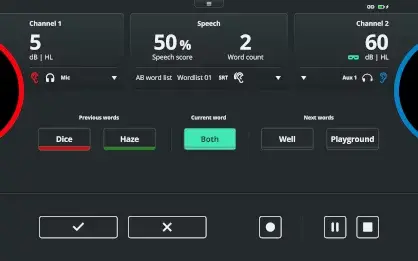
Speech test screen with the Touch Keyboard. For channels 1 and 2, it is possible to change the stimulus level. A speech score is displayed alongside the word count and word list. Below, there are previous words labeled red if the response was incorrect and green if the response was correct. The current word is highlighted in the middle with the next words displayed to the right. At the bottom, the user can score correct or incorrect using the checkmark and cross buttons, respectively. There are also the options to pause or stop the test

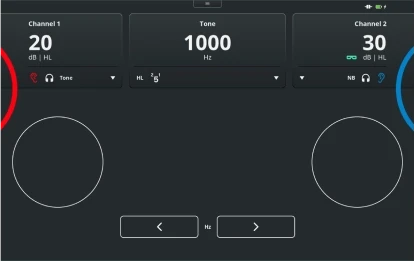
Pure tone audiometry test screen with the Touch Keyboard. For channels 1 and 2, it is possible to change the stimulus level and type. The frequency is displayed toward the top, with buttons below to decrease or increase the frequency

Eight patients stood or sat next to each other in chronological order from baby to elderly

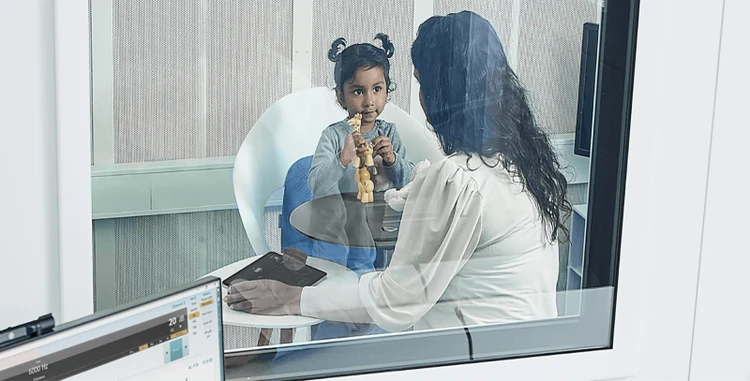
Clinician sat in booth with a young child and operating the Touch Keyboard

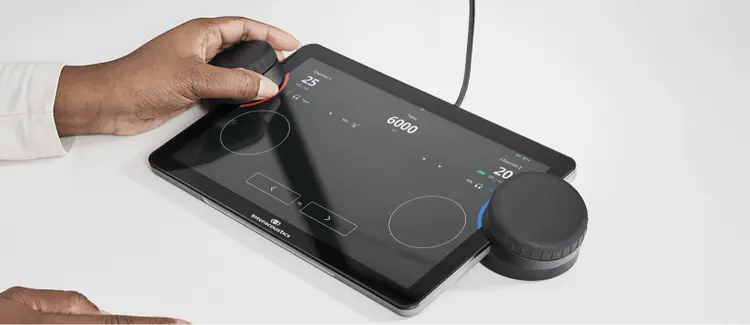
Close up of the Touch Keyboard displaying the pure tone audiometry screen. A clinician is using the left dial for the right ear

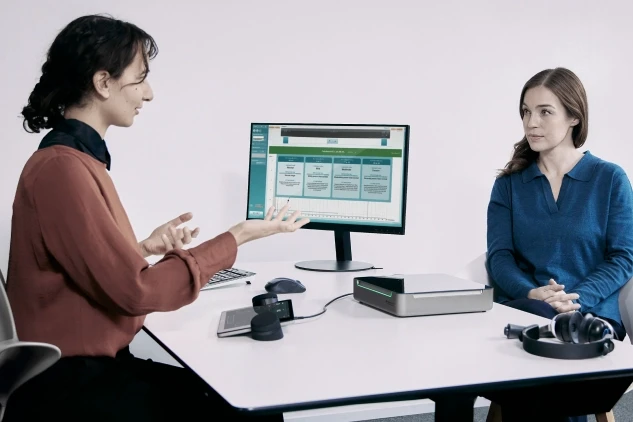
A clinician explaining Audible Contrast Threshold results to an adult patient

Contact your local distributor

Our world-wide experts are ready to help you find the right solution.
Find a distributor