Solutions / De / Equinox Evo
Equinox Evo

Equinox Evo

Ist es an der Zeit für ein Upgrade Ihres Audiometers? Dann sehen Sie sich jetzt das klinische Audiometer Equinox Evo an und wagen Sie den Sprung in die...
Get a quote Find a distributor
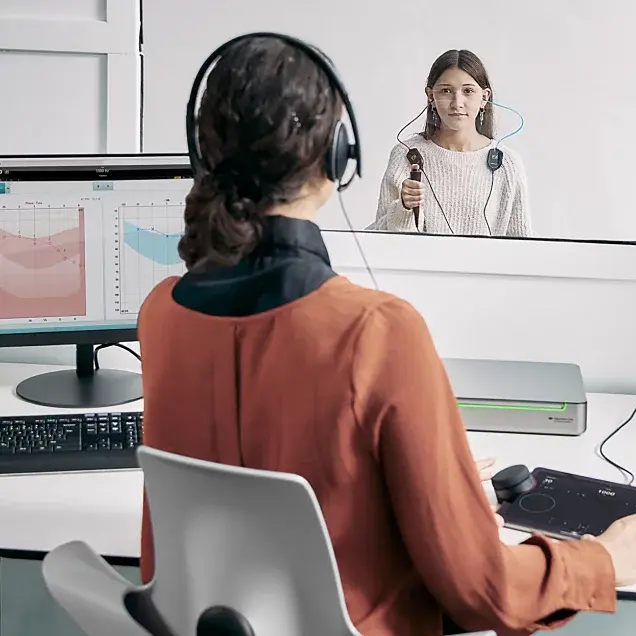
A clinician using the Equinox Evo and Touch Keyboard to perform audiometry in a teenager sitting in a booth

Wussten Sie schon, dass Sie...

Produkte ABR OAE Audiometer Tympanometer Hörgeräteanpassung Gleichgewichts-Diagnostik Forschungssysteme Reha-Geräte

Über uns Unsere Geschichte Nachhaltigkeit Nachhaltigkeit im Bereich der Umwelt Forschung Research Unit ACT-Forschung Forschungssysteme
Lernen Sie die Equinox Evo und das Touch Keyboard kennen. Gemeinsam liefern sie die Einfachheit und Funktionalität, die für jedes Audiometer-Setup wesentlich sind.
Die Equinox Evo ist ein klinisches Zweikanal-Audiometer, das Kliniken und Akustikern mehr als nur simple Audiometrie bietet.
Es enthält die neuesten Tests für die pädiatrische Audiometrie und eine große Auswahl erweiterter Messungen, wie etwa den Audible-Contrast-Threshold-Test (ACT).
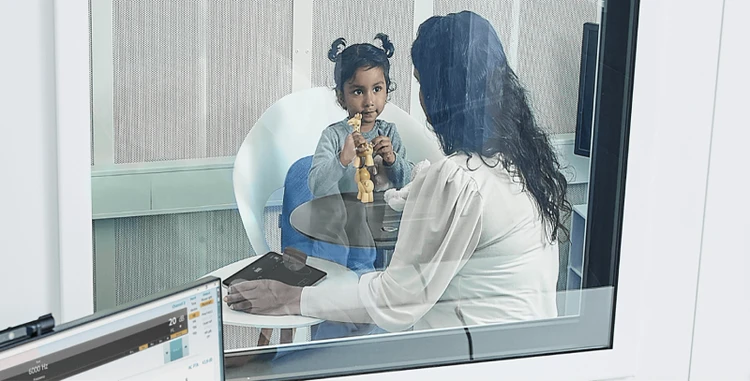
das kabellose Touch Keyboard nutzen können, um die Bedienelemente des Audiometers näher zum Kind zu bringen.
Ihre Audiometrie mithilfe des Touch Keyboards mit integrierten VRA-Steuerungen vereinfachen können.
eine Reihe von Stimuli einschließlich frequenzgefilterter Stimuli einsetzen können, um die Aufmerksamkeit des Kindes aufrechtzuerhalten.
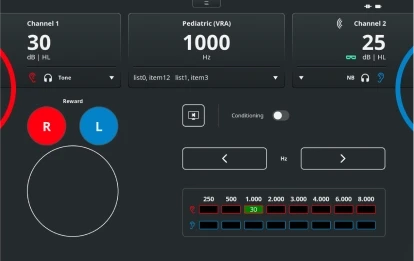
Pediatric (VRA) test screen with the Touch Keyboard. For channels 1 and 2, it is possible to change the stimulus level and type. There are buttons to reward right or left, enable conditioning, and change the frequency level. Finally, there is a table showing the scored hearing threshold for each ear and for each frequency

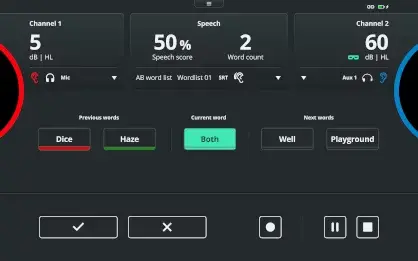
Speech test screen with the Touch Keyboard. For channels 1 and 2, it is possible to change the stimulus level. A speech score is displayed alongside the word count and word list. Below, there are previous words labeled red if the response was incorrect and green if the response was correct. The current word is highlighted in the middle with the next words displayed to the right. At the bottom, the user can score correct or incorrect using the checkmark and cross buttons, respectively. There are also the options to pause or stop the test

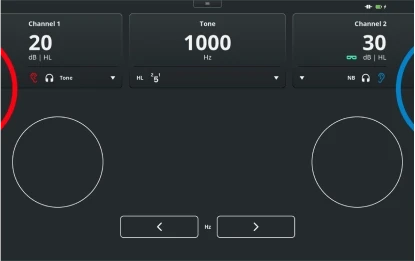
Pure tone audiometry test screen with the Touch Keyboard. For channels 1 and 2, it is possible to change the stimulus level and type. The frequency is displayed toward the top, with buttons below to decrease or increase the frequency

Eight patients stood or sat next to each other in chronological order from baby to elderly

Clinician sat in booth with a young child and operating the Touch Keyboard

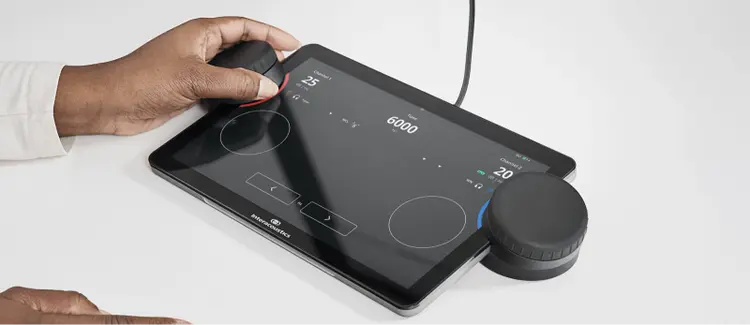
Close up of the Touch Keyboard displaying the pure tone audiometry screen. A clinician is using the left dial for the right ear

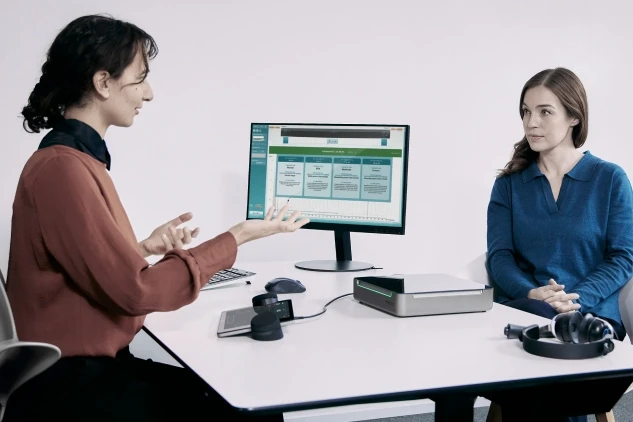
A clinician explaining Audible Contrast Threshold results to an adult patient

Contact your local distributor

Our world-wide experts are ready to help you find the right solution.
Find a distributor