VisualEyes™ Support
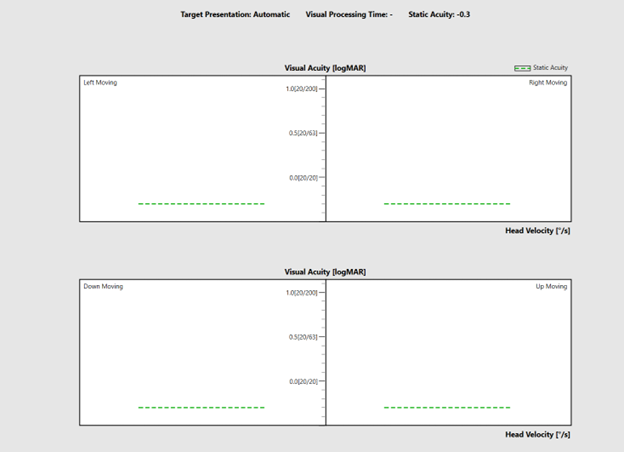
If you have purchased the VORTEQ™ Assessment or Functional Assessment bundle, you will be able to perform the Dynamic Visual Acuity (DVA) test. DVA is an assessment of the Vestibulo-Ocular Reflex (VOR) in response to functional head movements. It is often paired together with the Gaze Stabilization Test (GST) or Functional Vision Head Impulse test (fvHIT™) in order to provide appropriate recommendations for where to begin rehabilitation.
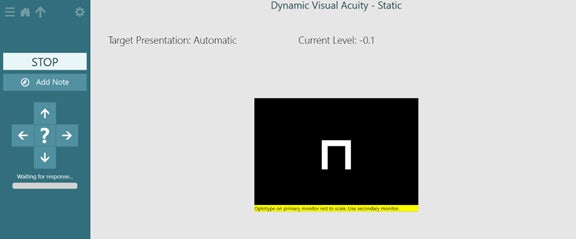
For this test, the patient will move their head at a constant speed while an optotype reduces in size until the software identifies a DVA threshold.
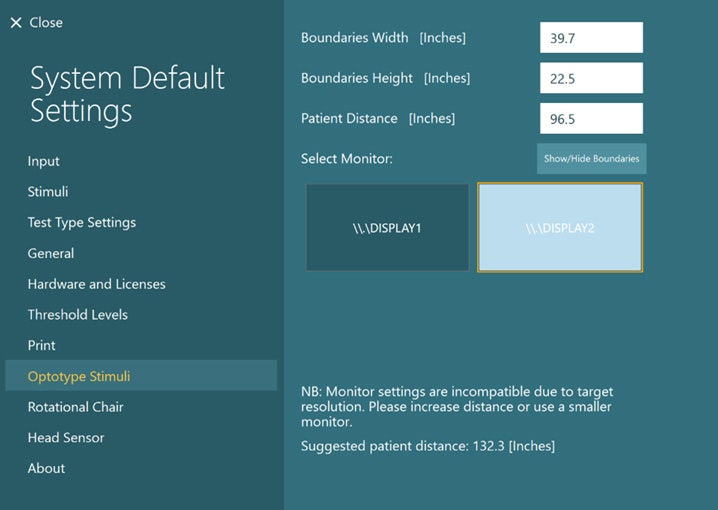
Select the Optotype Stimuli display source and set the screen size and patient distance in the System Default Settings before beginning the first test. A suggested patient distance will be identified for your screen dimensions. If the distance is too much for your room setup, then choose a smaller display input.
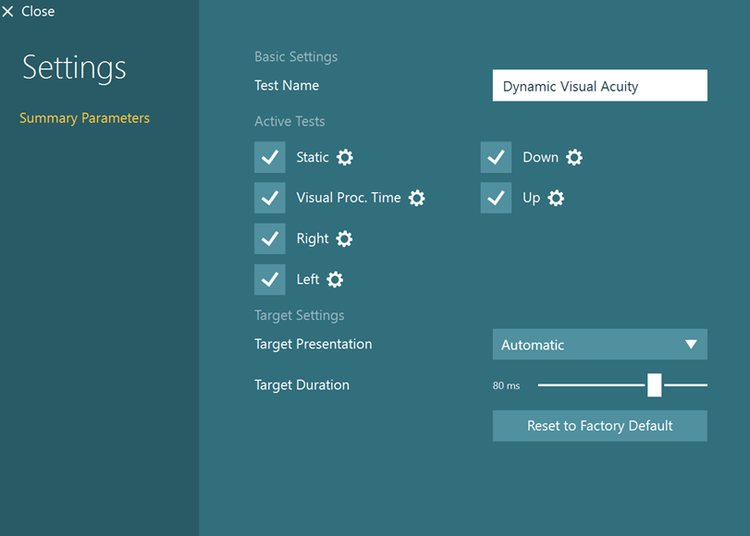
The default protocol is automatic, but you can also choose a manual target presentation. You can choose the options in Summary Parameters.
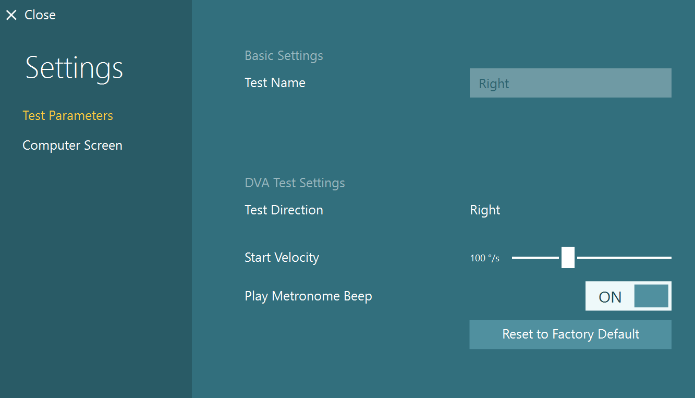
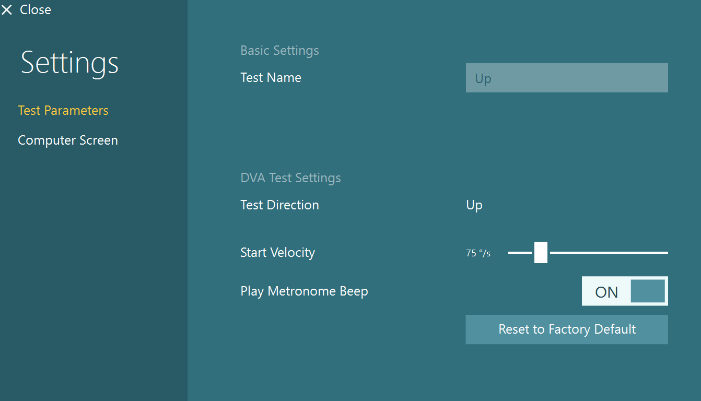
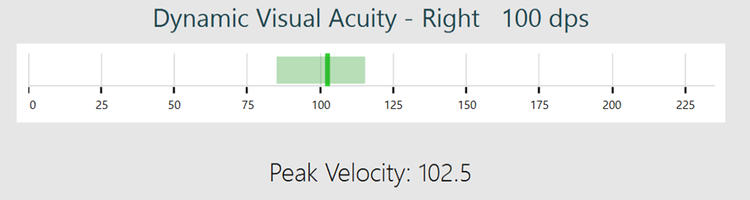
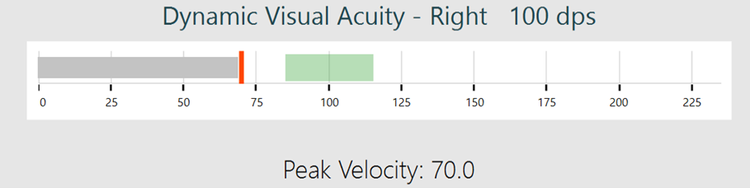
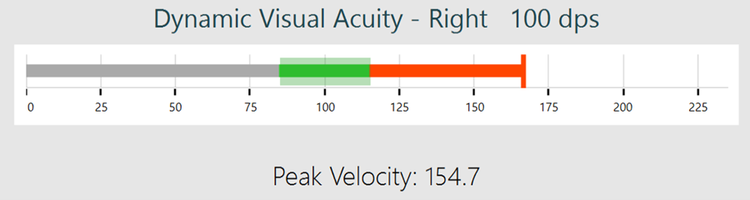
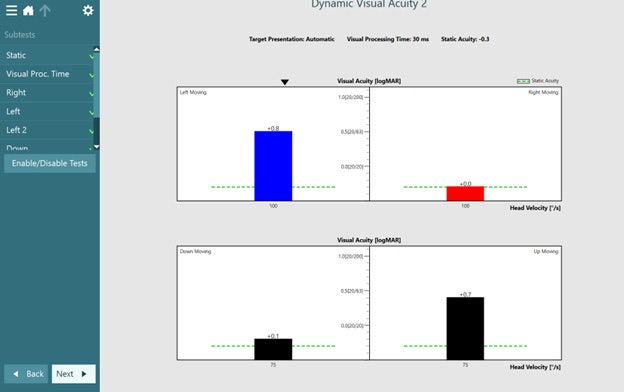
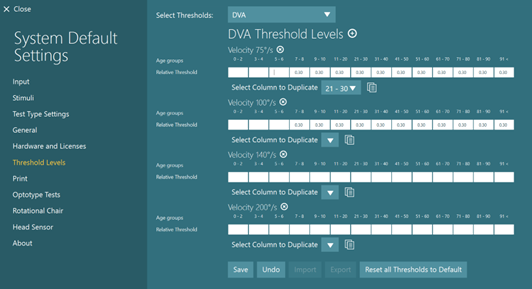
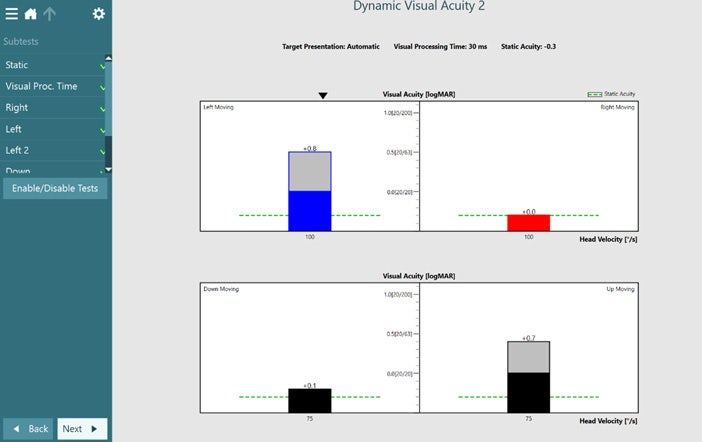
The default starting head speed is 100 degrees per second for horizontal head movements (Figure 4) and 75 degrees per second for vertical head movements (Figure 5), but you can adjust that if needed.
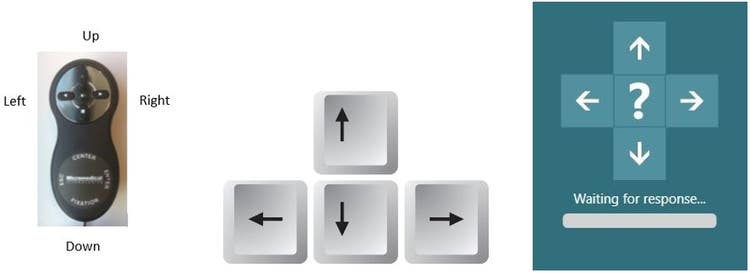
The metronome should be “ON” to give the patient feedback on how fast to move their head. The metronome sound will stop after each optotype appears to give the patient time to enter their response with the remote control. The sound will start again when they move their head.
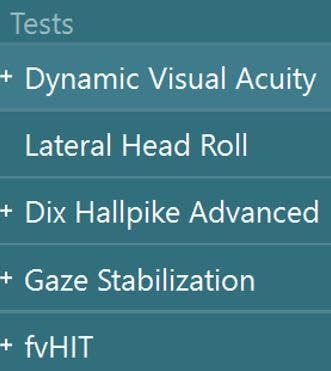
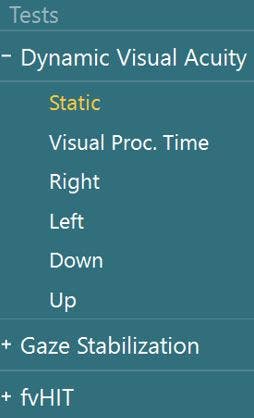
To begin testing, select Dynamic Visual Acuity from your drop-down test menu.
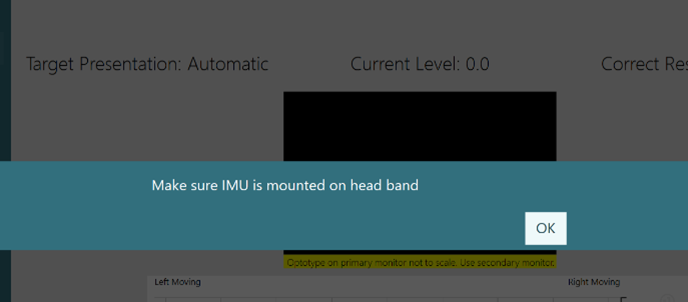
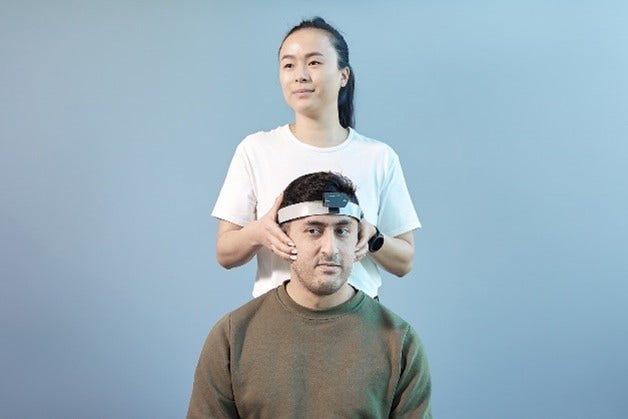
A reminder will pop up to make sure you remove the VORTEQ™ IMU from the goggles and attach it to the headband.