Equipment needed
This quick guide provides information on how to perform the Unilateral Stance assessment module on the Virtualis StaticVR and MotionVR solutions. For additional information, please reference the Unilateral Stance user manual.
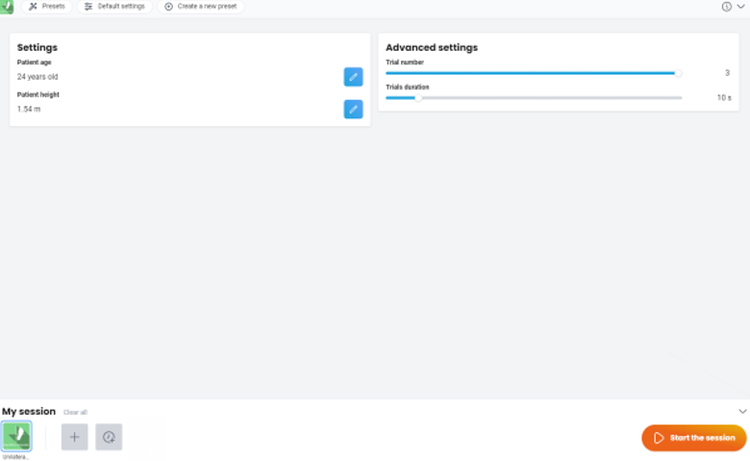
To view equipment needed, click on the “i” icon in the upper right corner of the module. To perform the Unilateral Stance assessment module, you will need the static or dynamic force plate. The VR headset is optional.
For standardization of the assessment, it is recommended to position the patient as follows:
StaticVR: center the patient’s feet on the force plate. The medial malleolus of each foot should be centered directly over the center horizontal (wide) line on the force plates.
MotionVR: center the patient’s feet on the force plate. The medial malleolus of each foot should be centered directly over the center horizontal (wide) line on the force plates. The outer edge of the foot should be aligned with the antero-posterior line corresponding to the patient’s height (inner line: <55 inches (<1.4 meters), middle line: 56 – 65 inches (1.4 – 1.65 meters), outer line: >65 inches (>1.65 meters)).
The patient should place their hands on their waist.
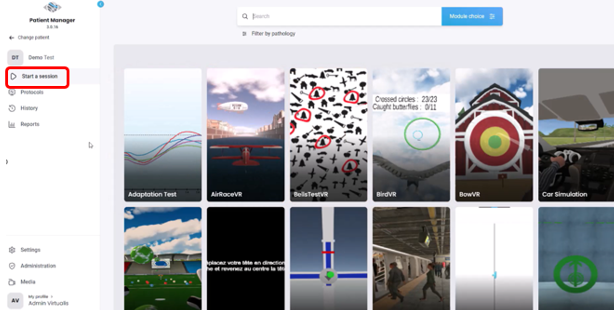
1. Open a patient profile.
2. Click on “Start a session” to access the module list.