Solutions / Balance Testing Equipment / How to set up profiles
How to set up profiles

How to set up profiles

This quick guide provides information on setting up practitioner and patient profiles and creating a prescriber in the Virtualis StaticVR system. Read more.
Get a quote Find a distributor

How to set up or modify profiles

Below, we will cover the following:
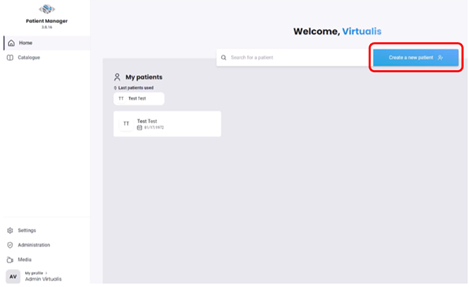
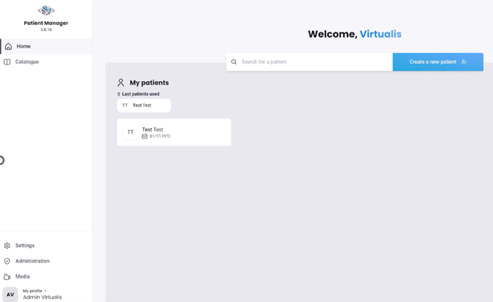
1. Open the Virtualis application, and you will arrive at the home page.
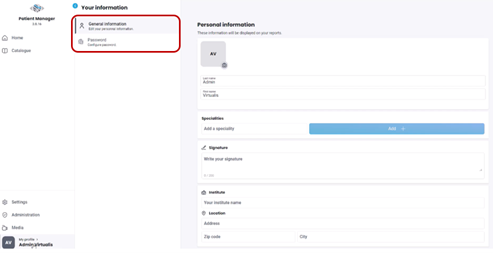
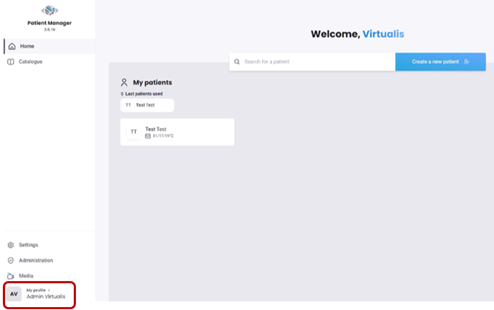
2. Select “My profile” on the bottom left side of the screen.
3. From this screen, you can modify your personal information and password.
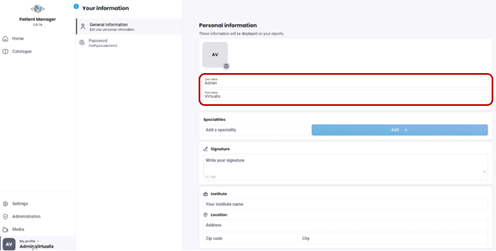
4. First, fill in your personal information. This will be displayed in the header of your reports.
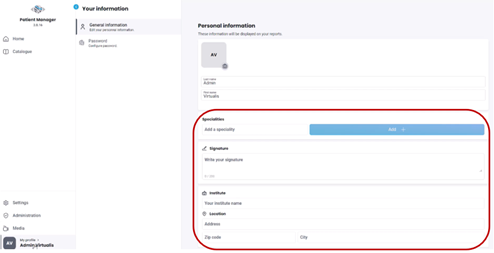
5. Fill in additional fields as necessary, such as specialties, signature, and institute. These will be displayed in the header of your reports.
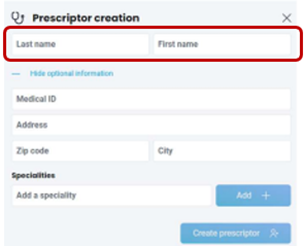
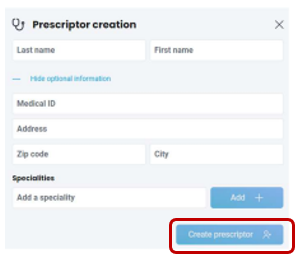
Prescriptors or prescribers are typically medical doctors and other healthcare providers to whom you want to send reports.
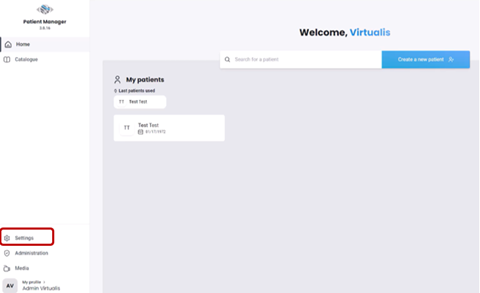
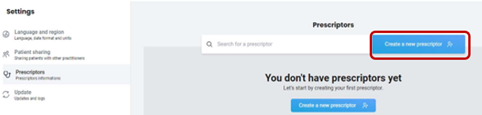
1. To add a prescriptor, click on the “Settings” tab on the left side of the screen.

Contact your local distributor

Our world-wide experts are ready to help you find the right solution.
Find a distributor