Solutions / Balance Testing Equipment / How to navigate the software modules
How to navigate the software modules

How to navigate the software modules

This quick guide provides information on how to view and navigate the software modules in the Virtualis StaticVR system.
Get a quote Find a distributor

How to view and access Virtualis modules

Below, we will cover the following:
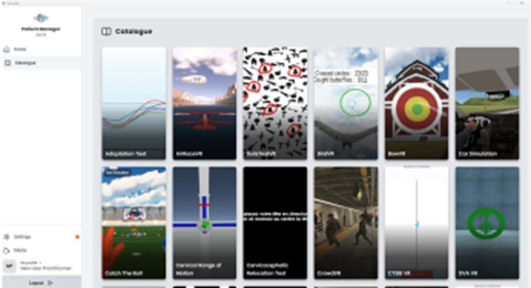
Use the catalogue to view all Virtualis software modules, along with their descriptions and the required configurations for each module.
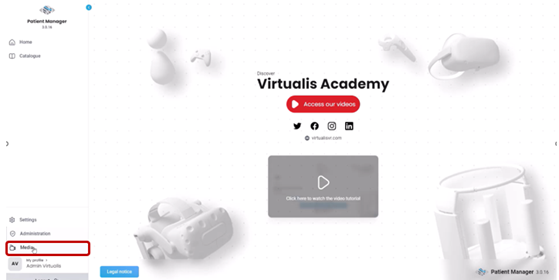
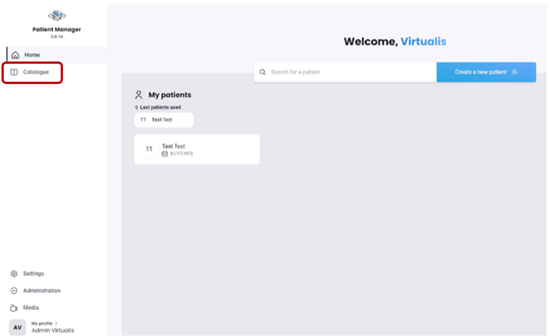
Click on “Catalogue” on the left side of the home page.
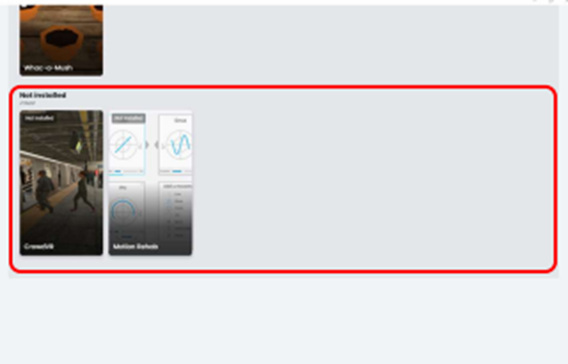
The catalogue will open. This shows all Virtualis modules, installed or not on your solution.
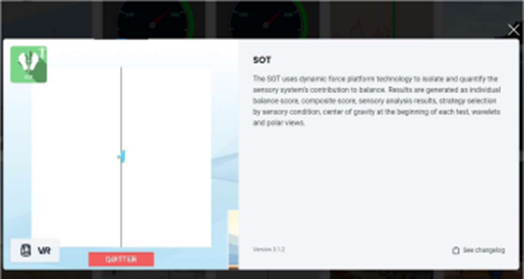
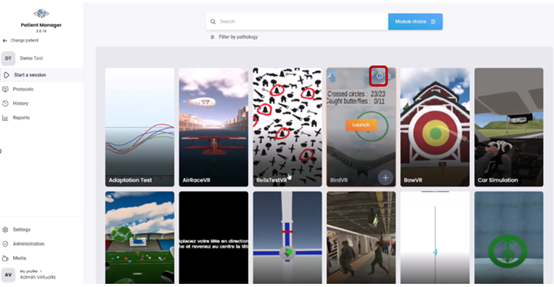
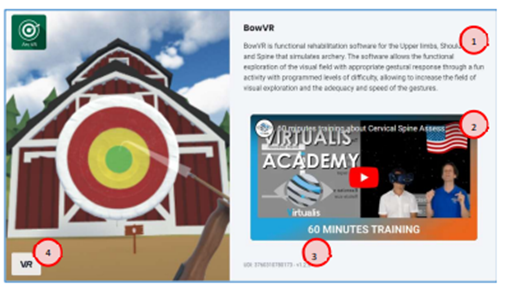
To view a module description, click on the intended software module. A description of the software module is listed on the right side of the screen.
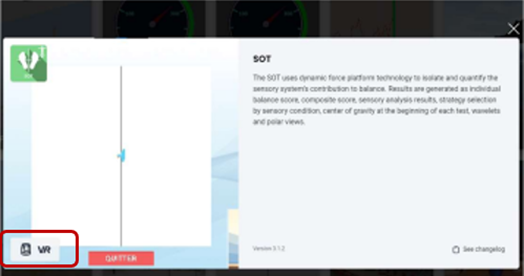
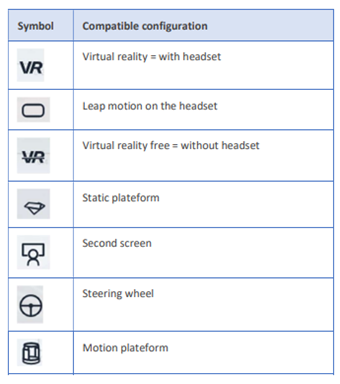
To see which Virtualis configuration is used to run the software module, look at the bottom left side of the screen.
Below is a list of the configuration symbols and their descriptions:
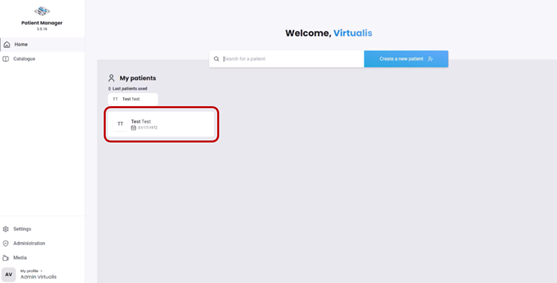
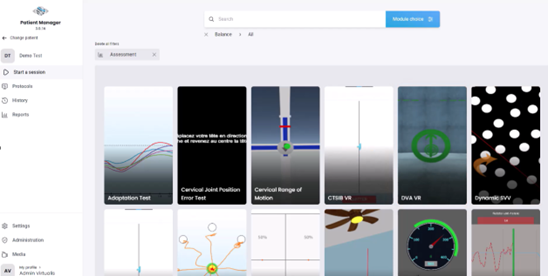
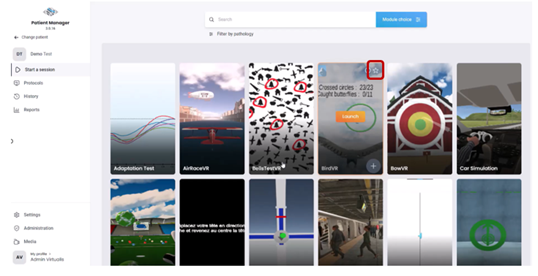
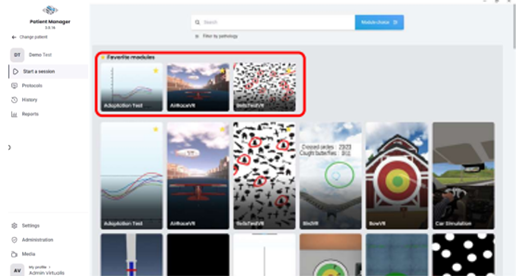
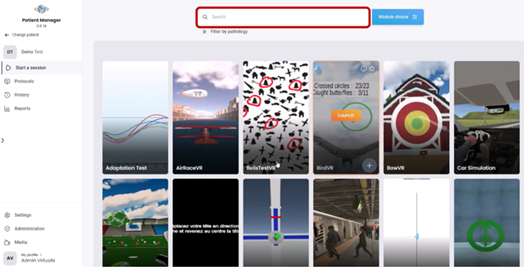
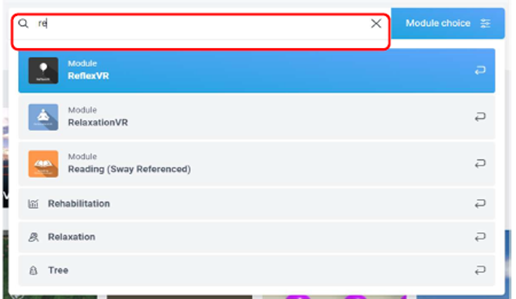
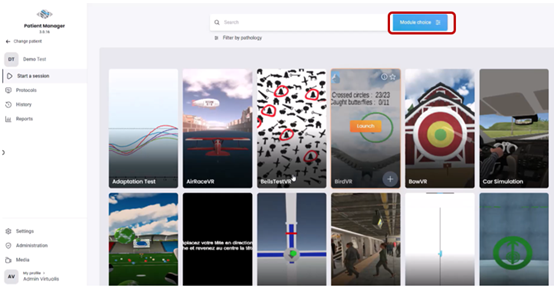
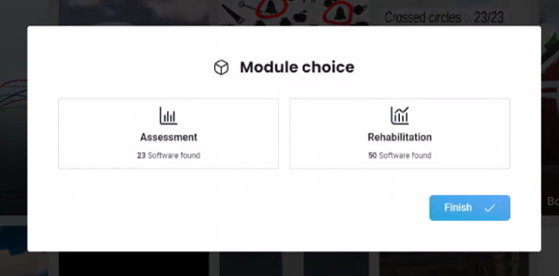
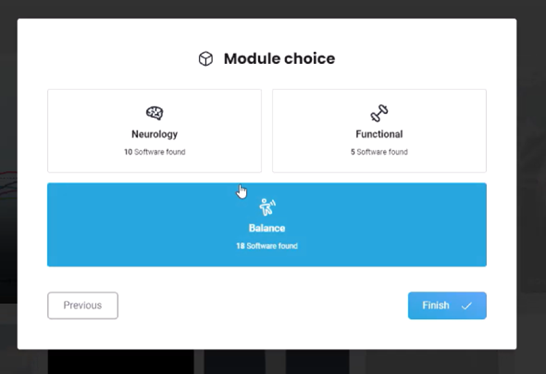
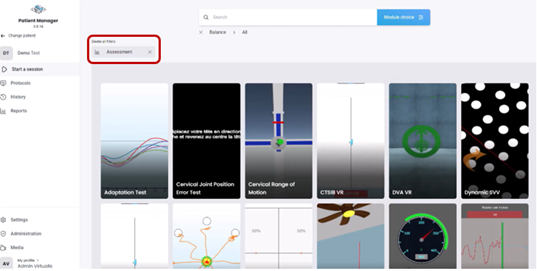
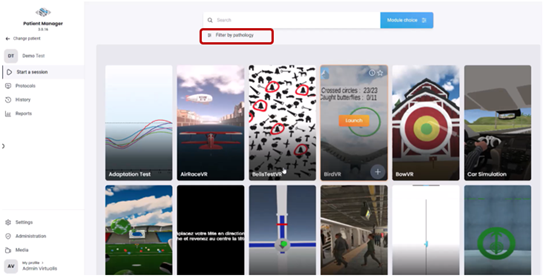
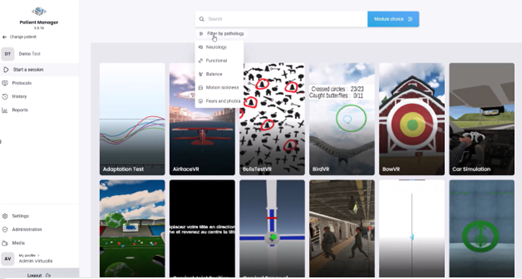
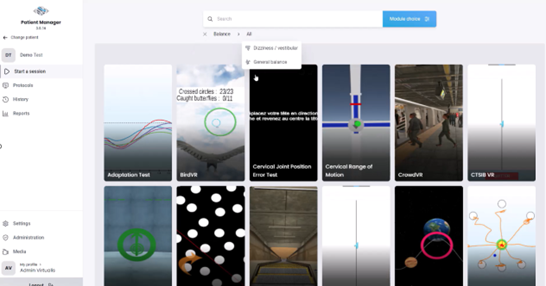
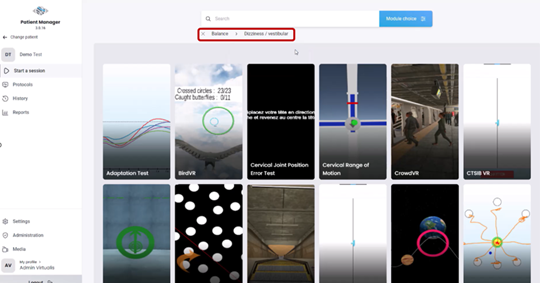
To find and launch software modules for your Virtualis solution, you will need to access the module list under a patient profile.

Contact your local distributor

Our world-wide experts are ready to help you find the right solution.
Find a distributor