Solutions / Balance Testing Equipment / How to create a protocol
How to create a protocol

How to create a protocol

This quick guide provides information on creating a protocol under a patient profile in the Virtualis StaticVR system.
Get a quote Find a distributor

Overview

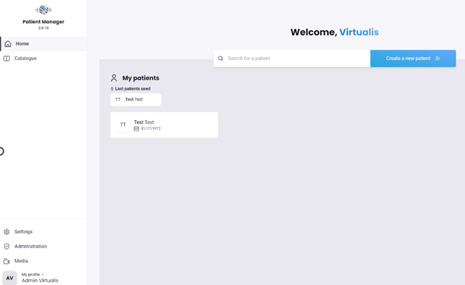
1. Open the Virtualis application, and you will arrive at the home page.
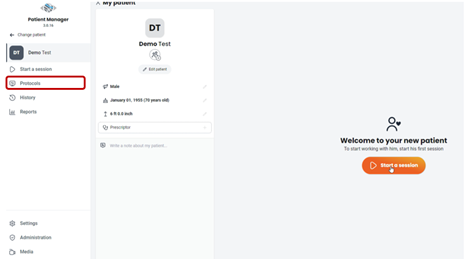
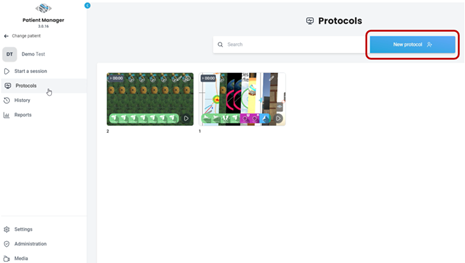
2. Select “Protocols” on the left side of the screen.
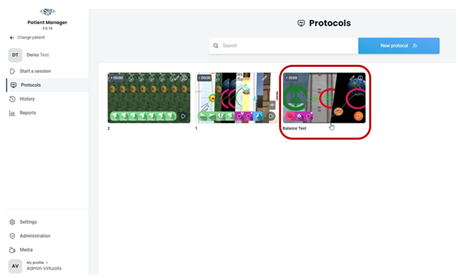
3. Click on “New protocol”.
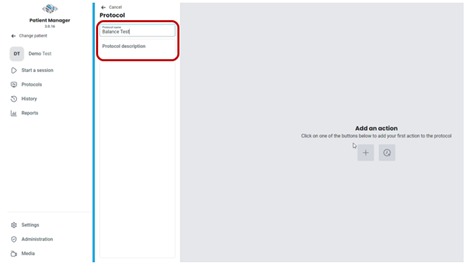
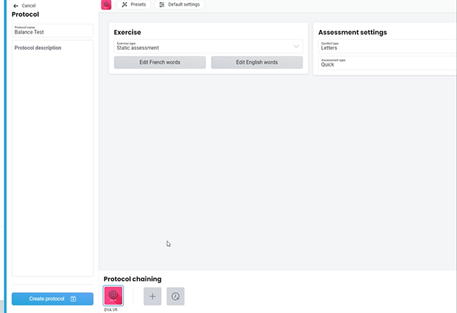
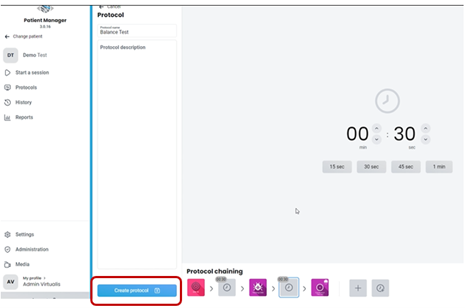
4. Provide a name and description for the protocol.
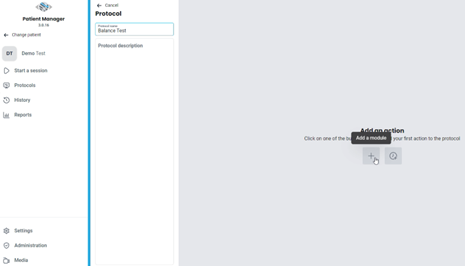
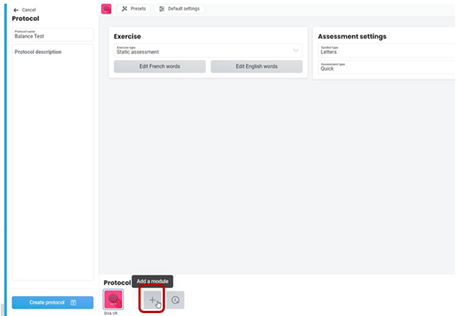
5. Click on the “+” icon to add the first software module.
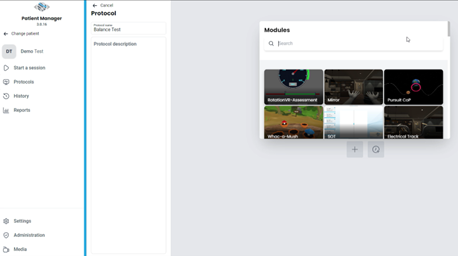
6. Find the intended software module.
7. Select parameters for the software module.
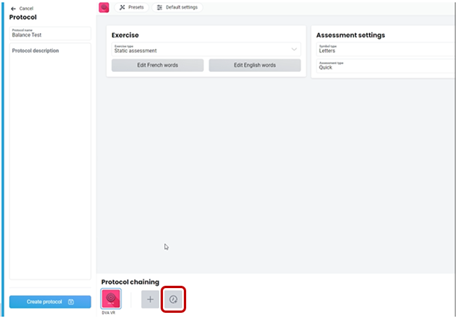
8. Click on the “+” icon to add another software module to the protocol.

Contact your local distributor

Our world-wide experts are ready to help you find the right solution.
Find a distributor