Overview
This quick guide provides information on how to set up your patient on the MotionVR with the VIVE Focus Vision VR headset. Following the proper setup procedure can decrease the likelihood of motion pause or lock errors. In general, the patient should refrain from pressing buttons on the hand controllers or moving the VR headset once fitted.
1. Before your patient arrives, turn on the computer and MotionVR force plate.
2. Launch the VIVE Business Streaming and SteamVR applications.
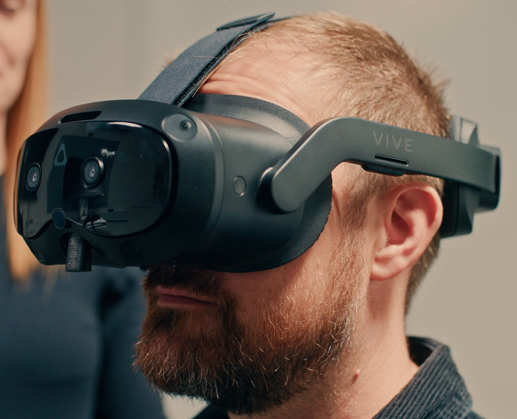
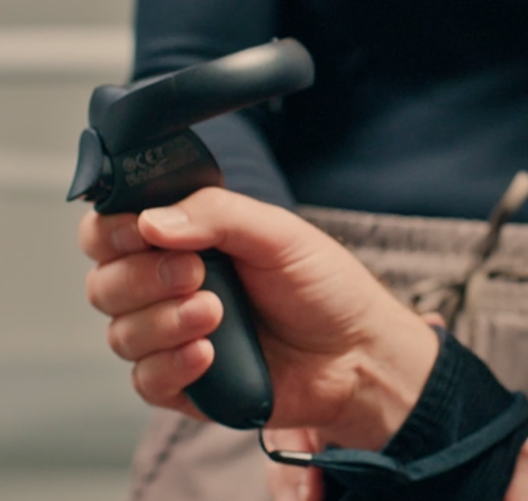
3. Turn on the VR headset and hand controllers. When the connection between the laptop and VR headset is established, the three lines in the VIVE Business Streaming app will turn green.
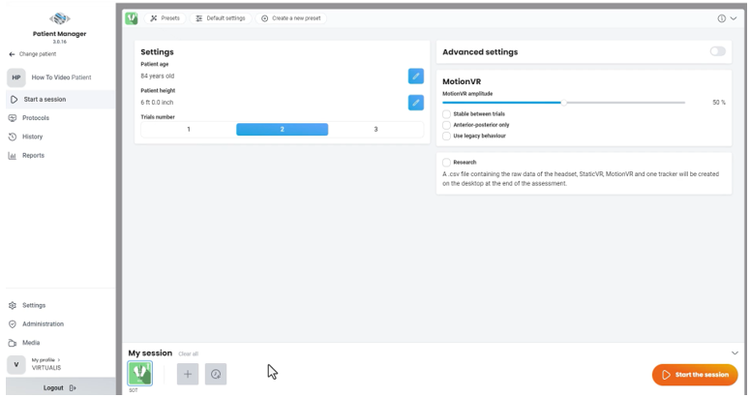
4. Launch Virtualis Patient Manager 3.0 and open the intended module in your patient’s profile.
5. When your patient arrives, provide them with instructions on the intended module.
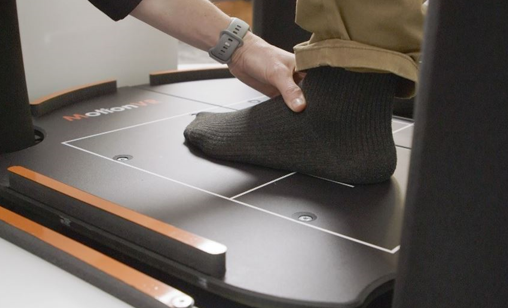
6. Assist the patient on the MotionVR force plate:
If you have the ring hardware option, position the ring at an appropriate height for your patient.