Equipment needed
This quick guide provides information on how to perform the Head-Eye Coordination module on the Virtualis BalanceVR and PhysioVR solutions. For additional information, please reference the Head-Eye Coordination user manual.
To view the equipment needed, click on the “i” icon in the upper right corner of the module. To perform the Head-Eye Coordination module, you will need the VR headset.
Depending on the patient’s therapeutic goals, they can sit or stand to perform this module.
1. Open a patient profile.
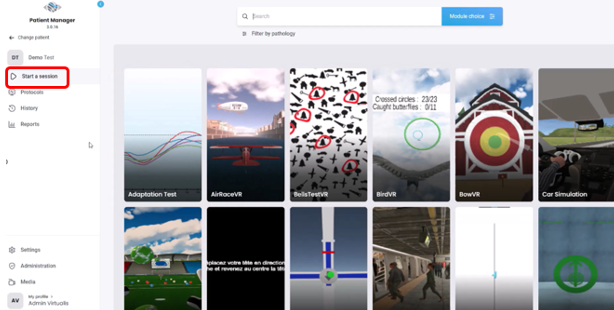
2. Click on “Start a session” to access the module list.
3. Type “Head-Eye Coordination” in the search bar. The first three letters are often enough.
4. Click on the Head-Eye Coordination button to launch the module.
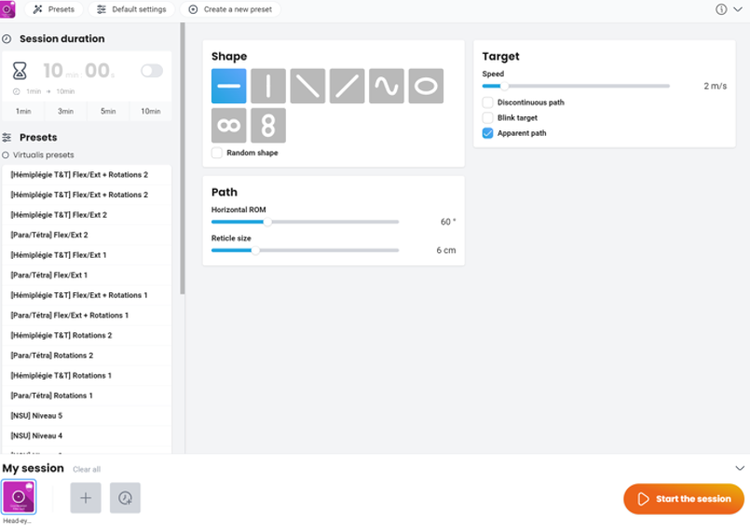
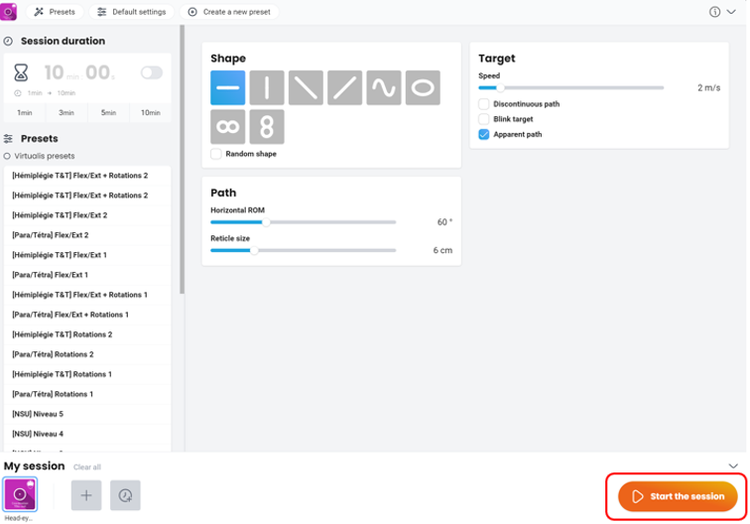
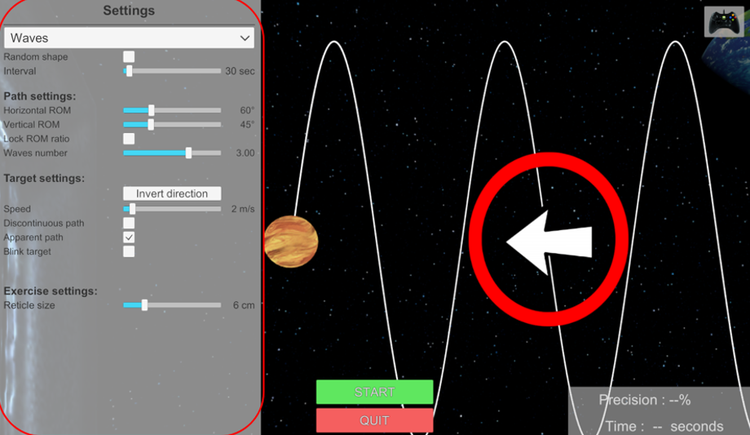
5. Select the initial settings based on your patient’s therapeutic goals.