Equipment needed
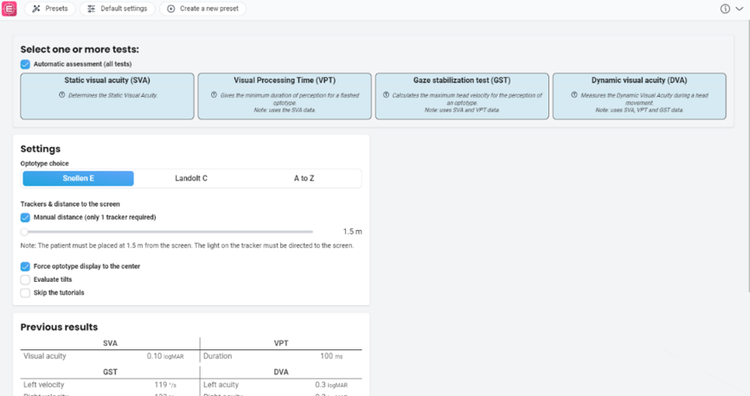
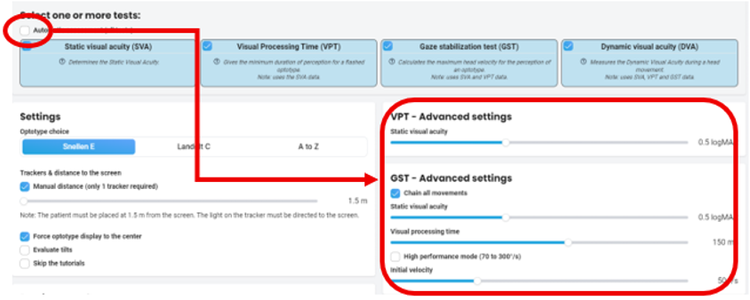
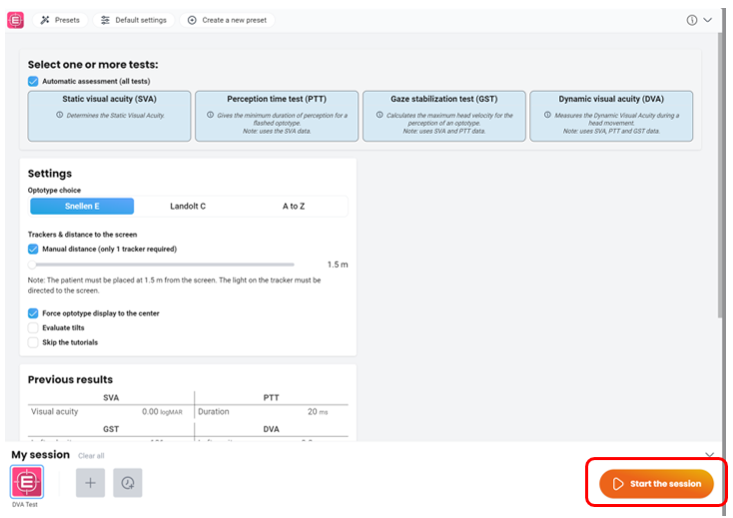
This quick guide provides information on how to perform the DVA Test module on the Virtualis BalanceVR and PhysioVR solutions. This quick guide follows the default module settings. For additional information, please reference the DVA Test user manual.
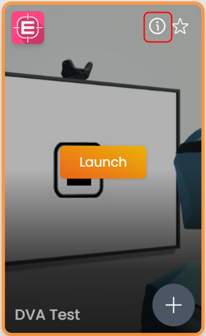
To view the equipment needed, click on the “i” icon in the upper right corner of the module.
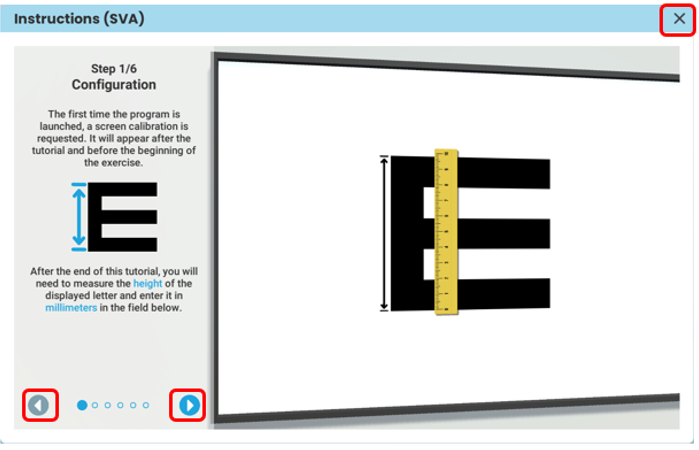
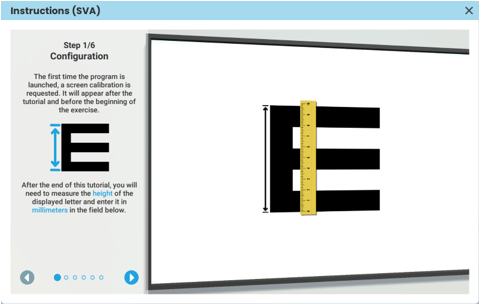
To perform the DVA Test module, you will need the DVA headband and 1 tracker. You will also need a ruler for initial configuration. Note: you must still have the VR headset and hand controllers powered on for module to run.
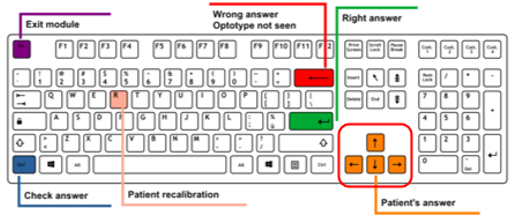
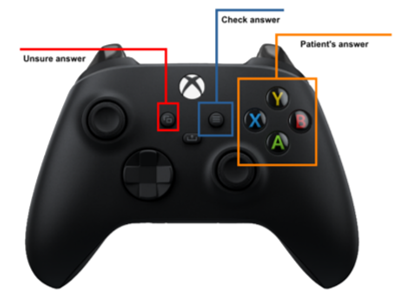
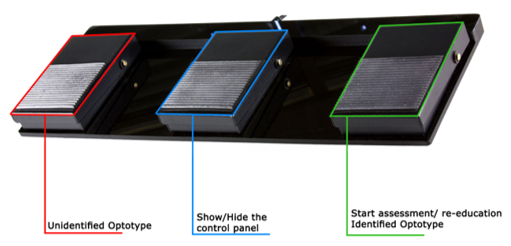
Optional accessories for the clinician include the Xbox controller or DVA footswitch pedal.
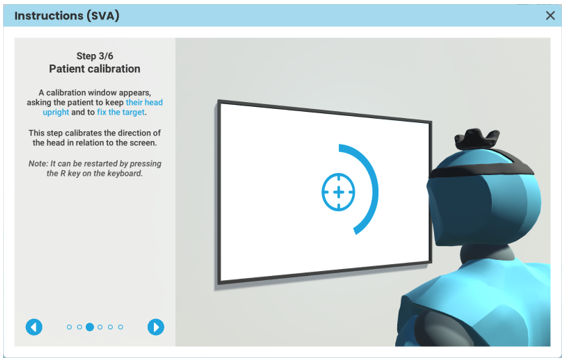
Depending on your goals, your patient can sit or stand to complete the tests. They must be positioned at least 1.5 meters away from the computer screen. Attach one tracker to the DVA headband and then place the headband on the patient’s head. Ensure the light of the tracker is directed towards the computer screen.
1. Open a patient profile
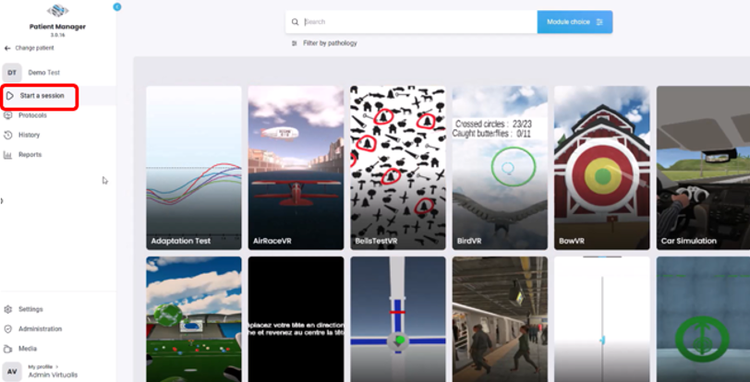
2. Click on “Start a session” to access the module list
3. Type “DVA” in the search bar