Solutions / Audiometers / How to perform speech audiometry with Equinox Evo
How to perform speech audiometry with Equinox Evo
How to perform speech audiometry with Equinox Evo
Equinox Evo Support
Headphones, insert phones, or free field speakers
Talk back microphone and talk forward microphone
A microphone, external sound player, or built-in wave files
Before performing speech audiometry, you may wish to perform pure tone audiometry. This provides valuable predictive information useful in speech testing, including information about when masking is needed.
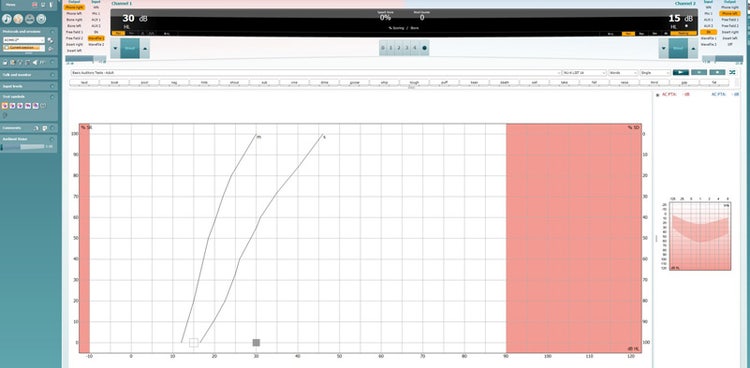
Once you’ve entered the speech test, select the intensity level for channel 1. If masking is needed, configure channel 2 also.
Explain to the patient that they will now hear some words/numbers/sentences through the transducer of choice. Instruct the patient to repeat what is said even though it may be very soft.
Patients may also be encouraged to guess if they are unsure about the word/number/sentence. If performing the speech test in noise, instruct the patient to focus on the speech and not the noise.
Press play to start presenting the words, numbers or sentences.
Contact your local distributor
Our world-wide experts are ready to help you find the right solution.