Solutions / Audiometers / How to perform pure tone audiometry with Equinox Evo
How to perform pure tone audiometry with Equinox Evo
How to perform pure tone audiometry with Equinox Evo
Equinox Evo Support
A patient response button
Headphones or insert phones
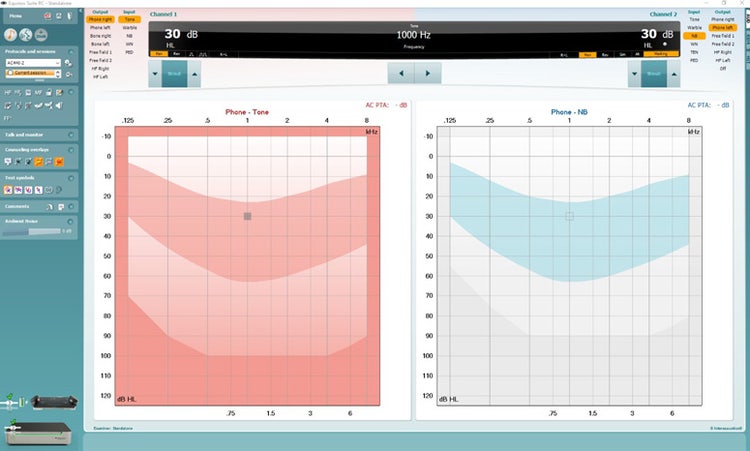
Launch the Equinox Suite as standalone, from Noah, or from OtoAccess®.
Click on the AUD tab on the upper right-hand corner of the screen.
Click on the music note icon to launch the pure tone audiometry screen if it is not the default screen.
Select the desired audiometry protocol from the protocols and sessions drop-down list.
Choose the transducer type and stimulus type if not already predefined from the Protocol Setup.
The frequency range can be operated from the Touch Keyboard, PC keyboard, or with the mouse.
Contact your local distributor
Our world-wide experts are ready to help you find the right solution.