Solutions / Audiometers / How to perform Free Field (FF) Adjustment with Equinox Evo
How to perform Free Field (FF) Adjustment with Equinox Evo
How to perform Free Field (FF) Adjustment with Equinox Evo
Equinox Evo Support
This feature allows you to refresh your FF speaker calibration when moving your equipment between different environments, or simply to reconfirm your speaker calibration in a fixed setup.
Ensure that you have the FF Calibration Adjustment microphone and FF speakers plugged into your Equinox Evo. The FF Cal socket has been highlighted in the image below.
Launch your Equinox Suite and go into the AC440 Audiometry Module. Click the FF Adjustment icon which can be found in the left panel.
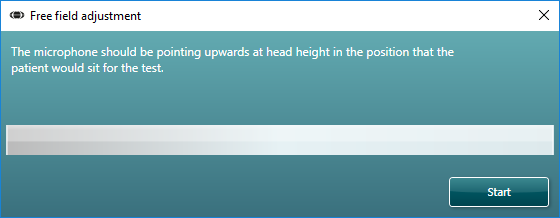
You will now see the screen below.
You are required to hold the FF Cal. Mic upright in the position that the patient should sit during testing to complete this process.
Press the ’Start’ button in the Free field adjustment window.
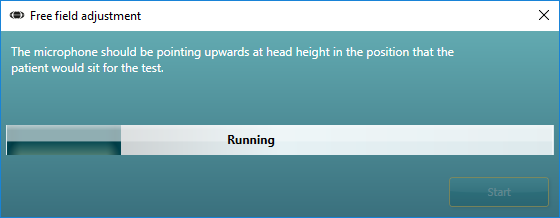
When the FF adjustment process is in progress, you will see the bar begin to fill, and there will be several stimuli played from the speaker(s) to the Ambient-cal mic.
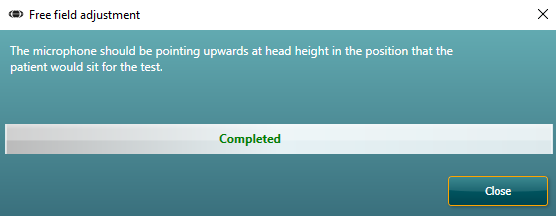
The process is fully automated, and when completed, the system will apply corrections based on the room acoustics to ensure that the correct stimulus can be achieved when performing free field tone or speech audiometry.

Contact your local distributor
Our world-wide experts are ready to help you find the right solution.