Solutions / Audiometers / How to perform the acceptable noise level (ANL) test with Equinox Evo
How to perform the acceptable noise level (ANL) test with Equinox Evo
How to perform the acceptable noise level (ANL) test with Equinox Evo
Equinox Evo Support
Launch the Equinox Suite from Noah, OtoAccess® or standalone.
Click on the AUD tab on the upper right-hand side of the screen. Perform audiometry before the ANL test as this determines the start level for the test.
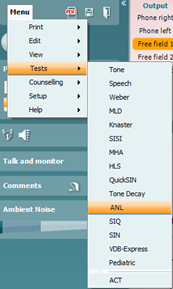
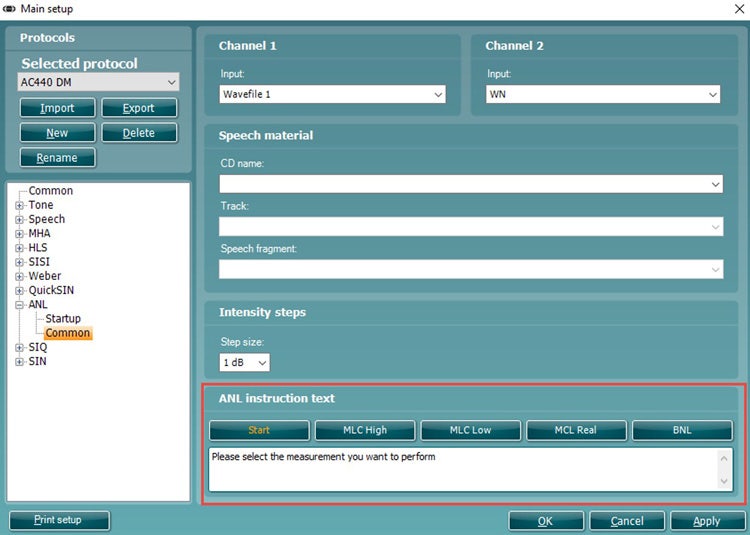
Click on Menu, Tests and then select ANL.
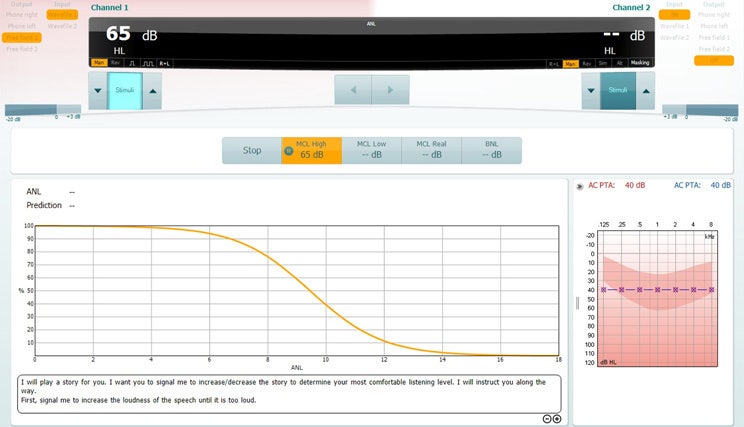
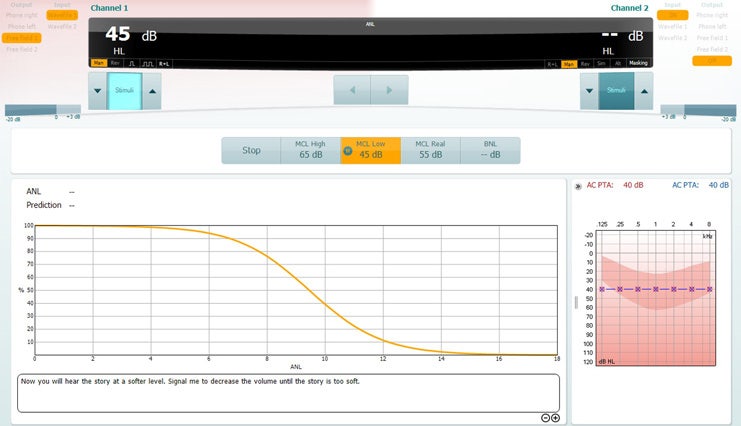
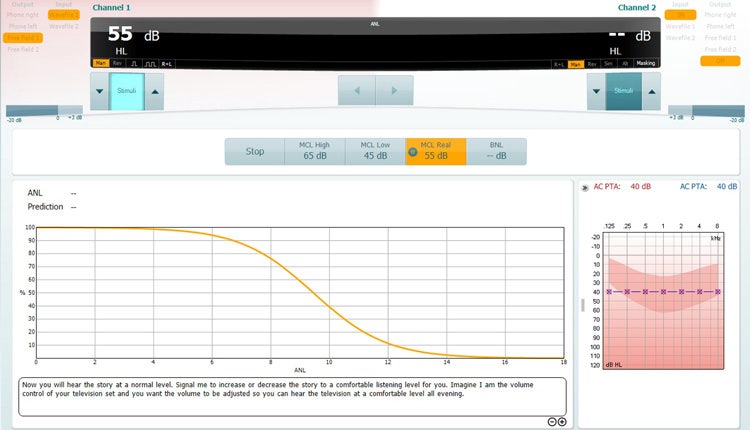
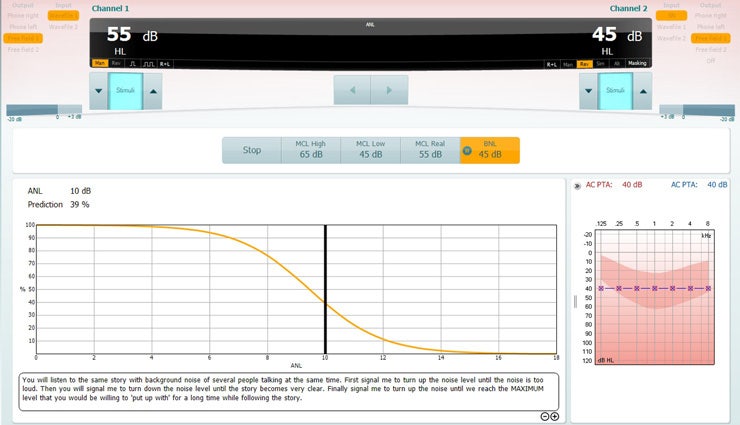
Once in the ANL test screen, you will see that there are four different conditions which you can choose to measure (Table 1).
Table 1: The four conditions of the ANL test.
It is not essential to perform MCL High and MCL Low for the ANL test, but these are also good indicators of the patient’s comfortable hearing range.
Click on the MCL High icon and click play. This will loop your speech material.
Increase and decrease the stimulus intensity to match the patient’s loudest MCL.
Contact your local distributor
Our world-wide experts are ready to help you find the right solution.