Solutions / Audiometers / Equinox Evo
Equinox Evo
Equinox Evo
Is it time to upgrade your audiometer? Then explore the Equinox Evo clinical audiometer and step into the future of audiometry! Read more about the...
Did you know you can?
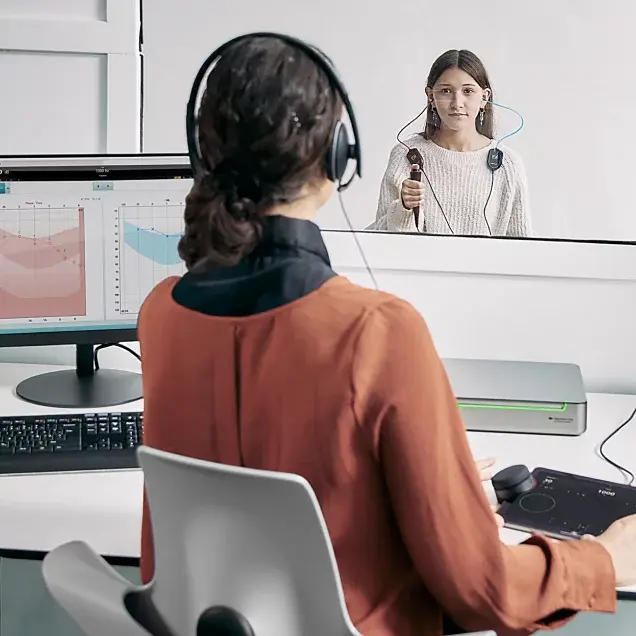
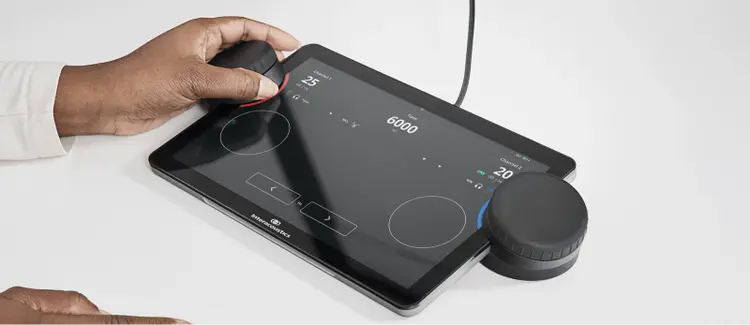
Introducing the Equinox Evo and Touch Keyboard. Together, they provide the simplicity and functionality essential for any audiometry setup.
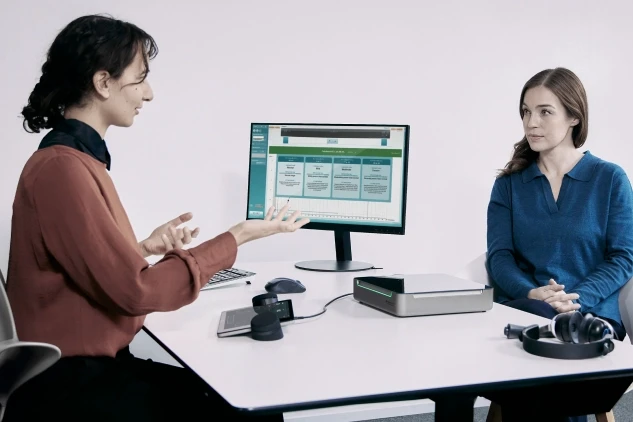
The Equinox Evo is a 2-channel clinical audiometer that adds more than simple audiometry to the clinic or hospital.
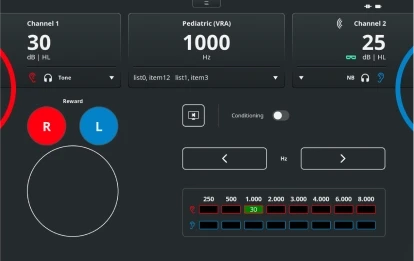
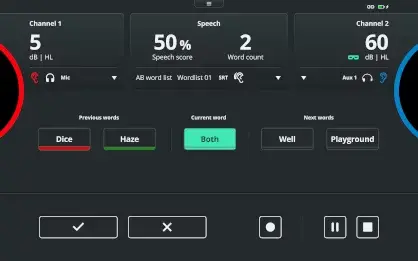
It contains the latest tests for pediatric audiometry and a large battery of advanced tests – such as the Audible Contrast Threshold test.
A customized testing solutionBuild your own protocols to ensure that each patient receives the hearing care that is specifically suited to their individual needs and conditions.
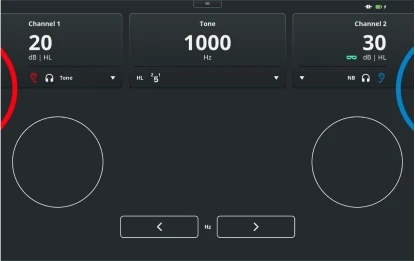
Every test at your fingertipsThe wireless Touch Keyboard is easy to use, with familiar dials and buttons like you know them from standalone audiometers, and a simple touch screen that shows only what you need for each test.
Flexibility to manage complex test setups Free Field+ allows you to easily switch between different free field setups with the option to add up to 4 speakers allowing complex testing to be carried out with ease.
For every age The Equinox Evo offers the most comprehensive test battery to support the clinical assessment of all patients – regardless of age.
For every individual Two patients with the same audiogram can experience hearing loss differently. With the Equinox Evo, you can personalize your testing strategy for their individual needs.


Contact your local distributor
Our world-wide experts are ready to help you find the right solution.