Solutions / Audiometers / Békésy Audiometry
Békésy Audiometry
Békésy Audiometry
Learn how to perform the Békésy audiometry test with the AC40 clinical audiometer, including the Békésy audiometry types for results interpretation. Learn...
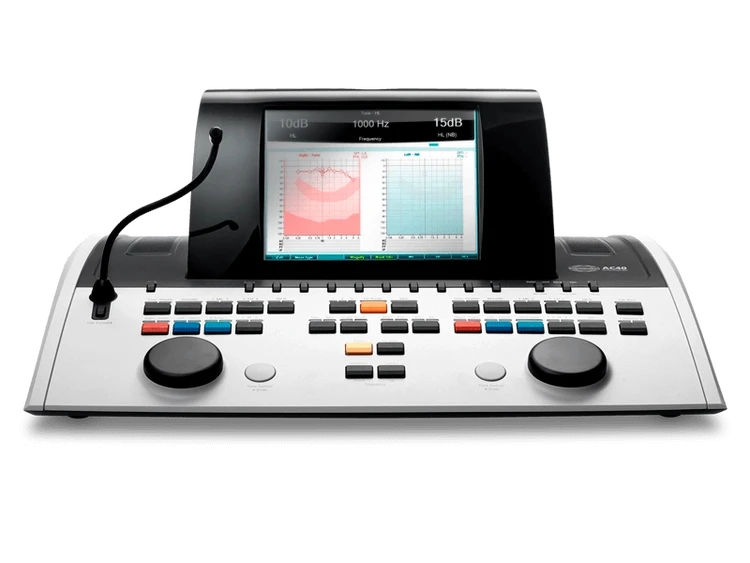
AC40 Support
Welcome to the product training for AC40 audiometer. On this page you will find an overview of all the available training materials and support.
Békésy audiometry is an automatic method of measuring audiometric thresholds. It can be used for audiometric screening or in differentiation between the cause of the hearing loss e.g. non-organic hearing loss (Gelfand, 2009) or the origin of the damage in the ear (conductive, cochlear or retro cochlear) (James Jerger, 1962).
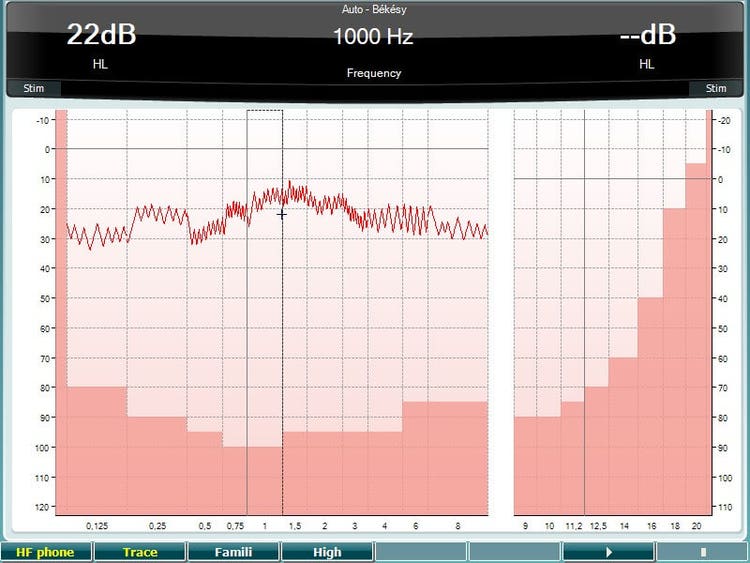
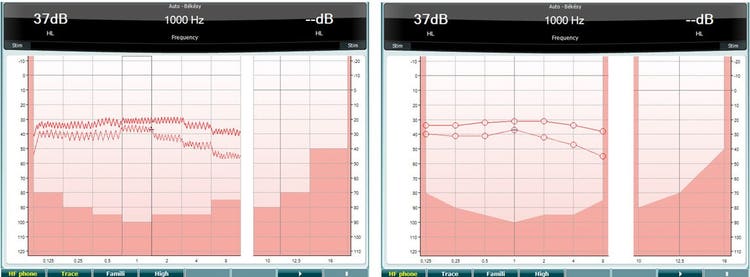
The patient being tested needs to hold down the response button when the tone is heard and release when the tone is no longer heard. When the response button is pressed, the intensity level of the frequency tested will automatically be reduced. When the response button is released, the intensity level will automatically increase. The patient’s response will be recorded as a trace on the Test Screen.
Headphones or insert phones
Press and hold the Test button and use the black scroll wheel to select Auto – Békésy.
Instruct the patient that he will hear some tones, which will vary in loudness and that he must press the response button as long as the presented tone is heard and let go when the tone is not heard.
The tone is obtained with a continuous tone. To obtain the tracing with the pulsed tone, press the Single Multi button and ensure that Multi is selected.Note the timing of the pulsed tone can be adjusted from the default setting by pressing and holding Setup, selecting Common and then reducing the Multi, pulse length slider.
To familiarize the patient with the test, press the button under Famili and press Play.
Contact your local distributor
Our world-wide experts are ready to help you find the right solution.